Real fields, not loose cells
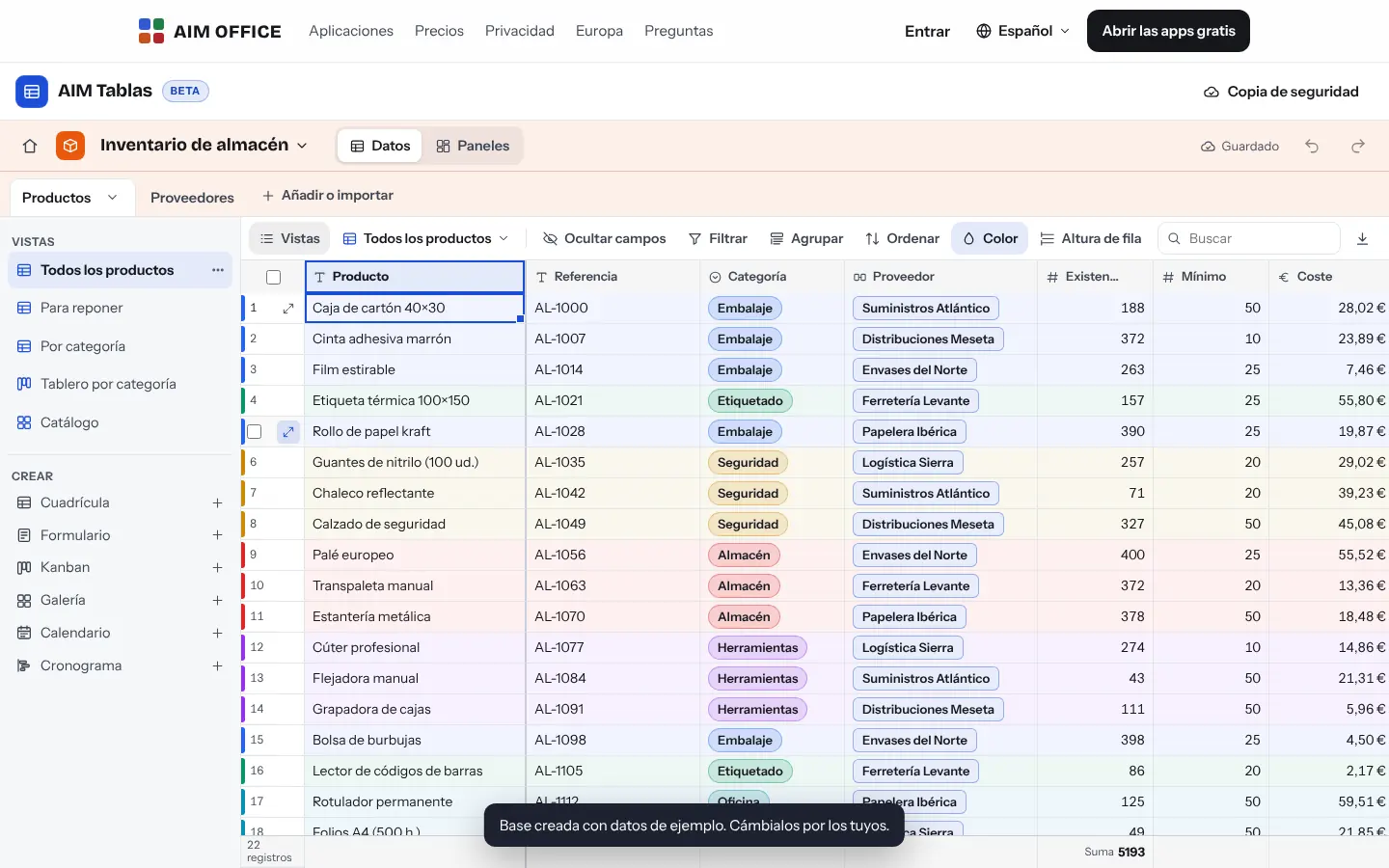
Text, number, currency, percentage, date, checkbox, single or multiple select, email, phone, website, rating, duration, attachments and more: 24 types, each with its own format and validation.
AIM Tables
Inventory, projects, issues or customers in tables with real fields, relationships, formulas and seven ways to view them. As easy as a spreadsheet, as organised as custom software.
What usually happens, and how AIM Tables solves it.
The inventory lives in a spreadsheet that someone breaks by pasting in the wrong place.
AIM Tables has real fields, of 24 types: a date is a date and an amount is an amount.
To see the same data another way you have to copy the sheet and rearrange it.
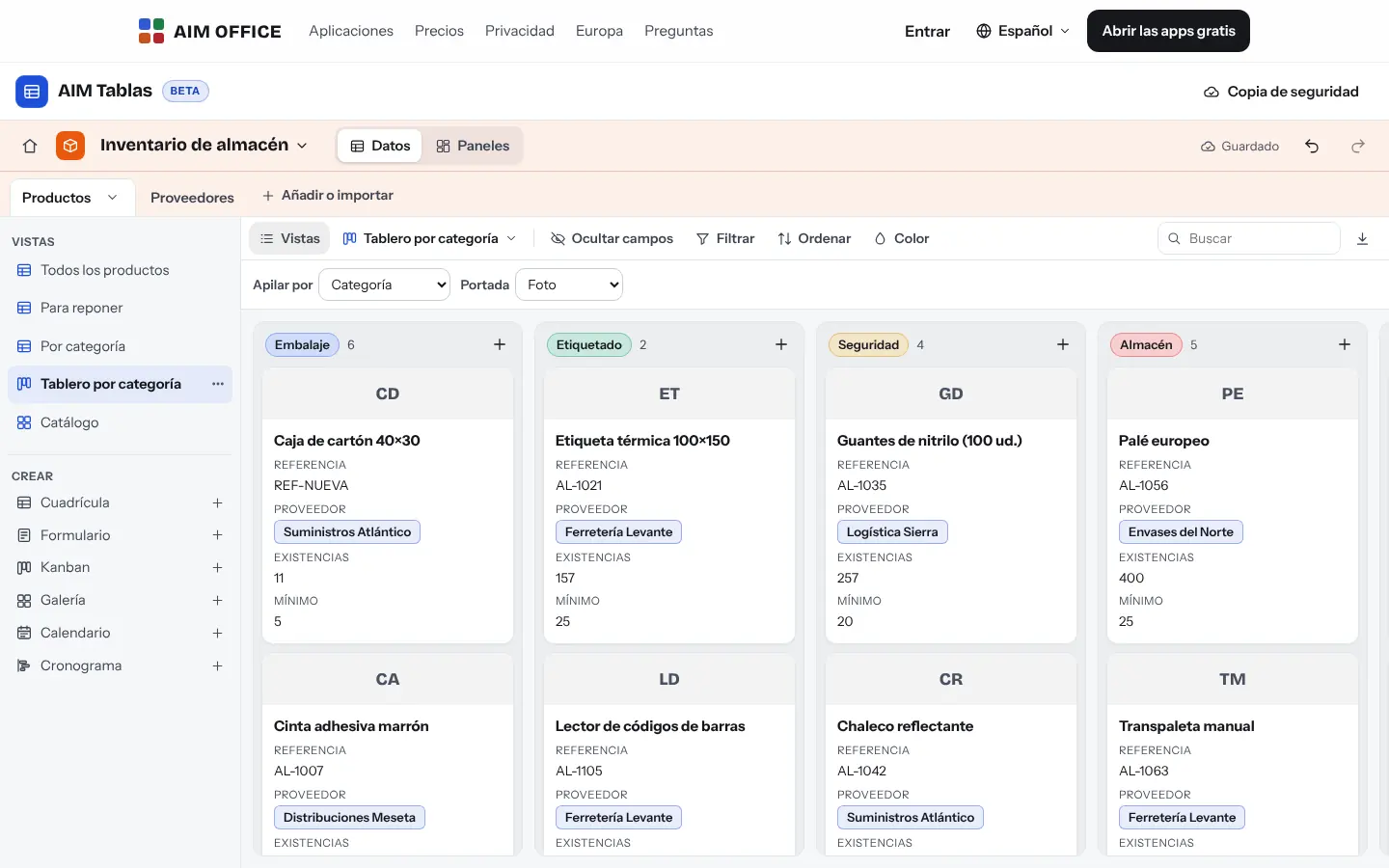
Grid, form, kanban, gallery, calendar and timeline on the same data, each view with its own filters.
Custom software costs months and money you don't have.
Linked tables, formulas and dashboards with figures, without writing code.
Getting started is this simple. And this is what you'll see: screenshots of the real app.
Choose a template (inventory, projects, issues, events, suppliers, content) or import your CSV or XLSX file: AIM Tables works out the type of each column.
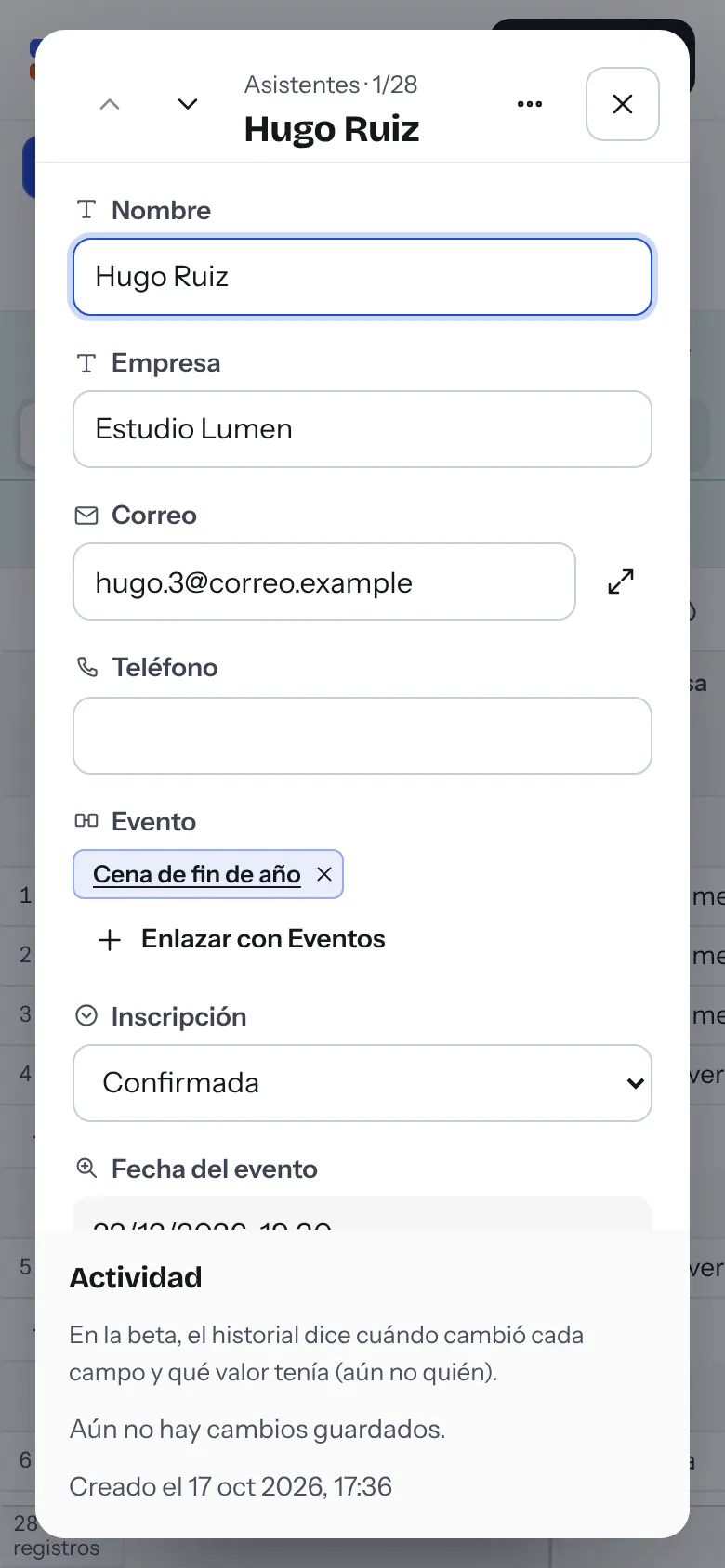
Add select, currency, date, attachment fields or links to other tables. With a link, the relationship appears on both sides automatically.
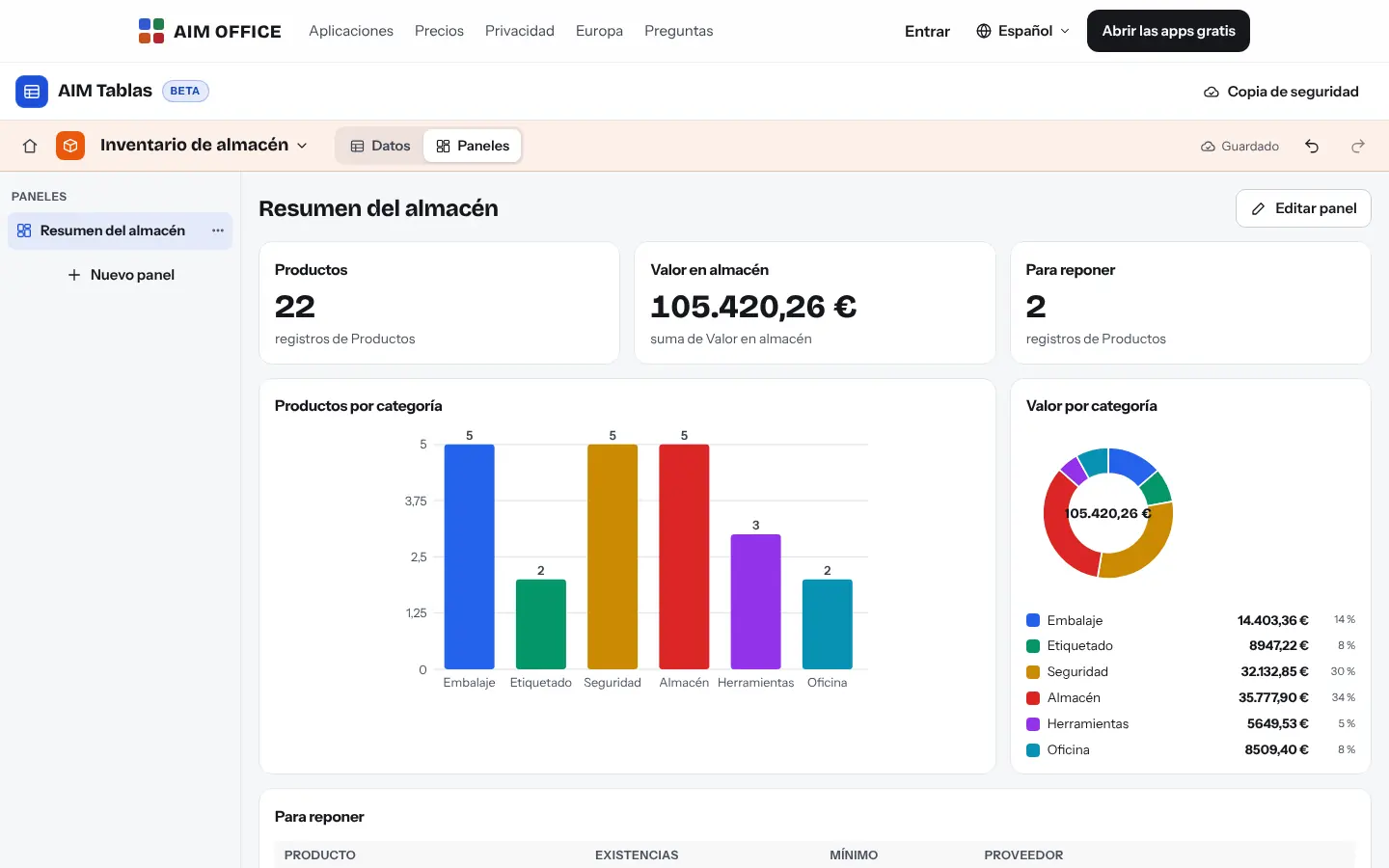
A grid for editing, a kanban for workflow, a calendar for dates and a dashboard with charts for decisions.
Everything AIM Tables does today, told by what it solves for you.
Text, number, currency, percentage, date, checkbox, single or multiple select, email, phone, website, rating, duration, attachments and more: 24 types, each with its own format and validation.
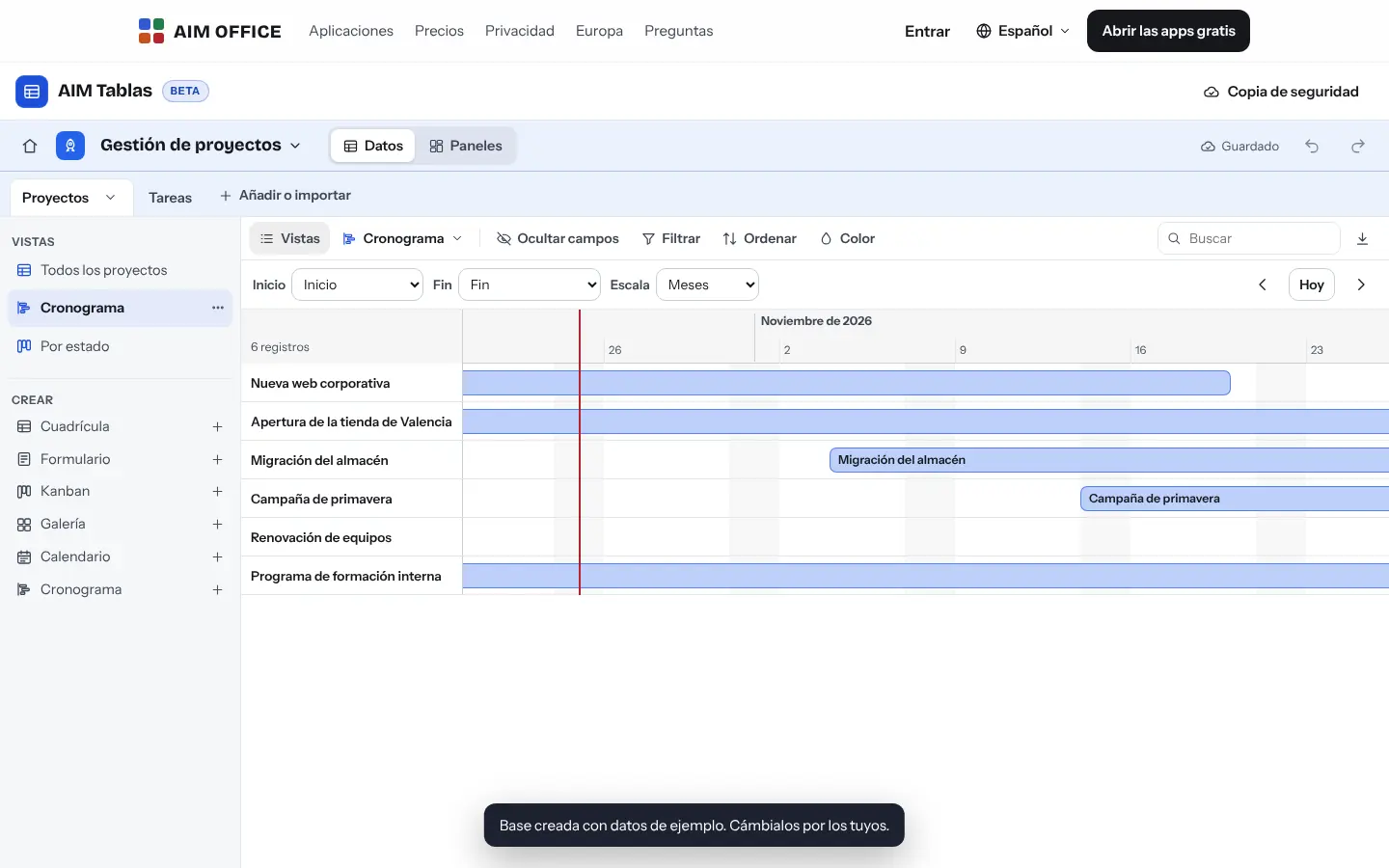
Grid, form, kanban, gallery, calendar and timeline, plus dashboards with figures and charts. Each view keeps its own filters, sorting, groups and visible fields.
Figures, bars and rings calculated from your data in real time: the value of your stock, products by category, what needs restocking.
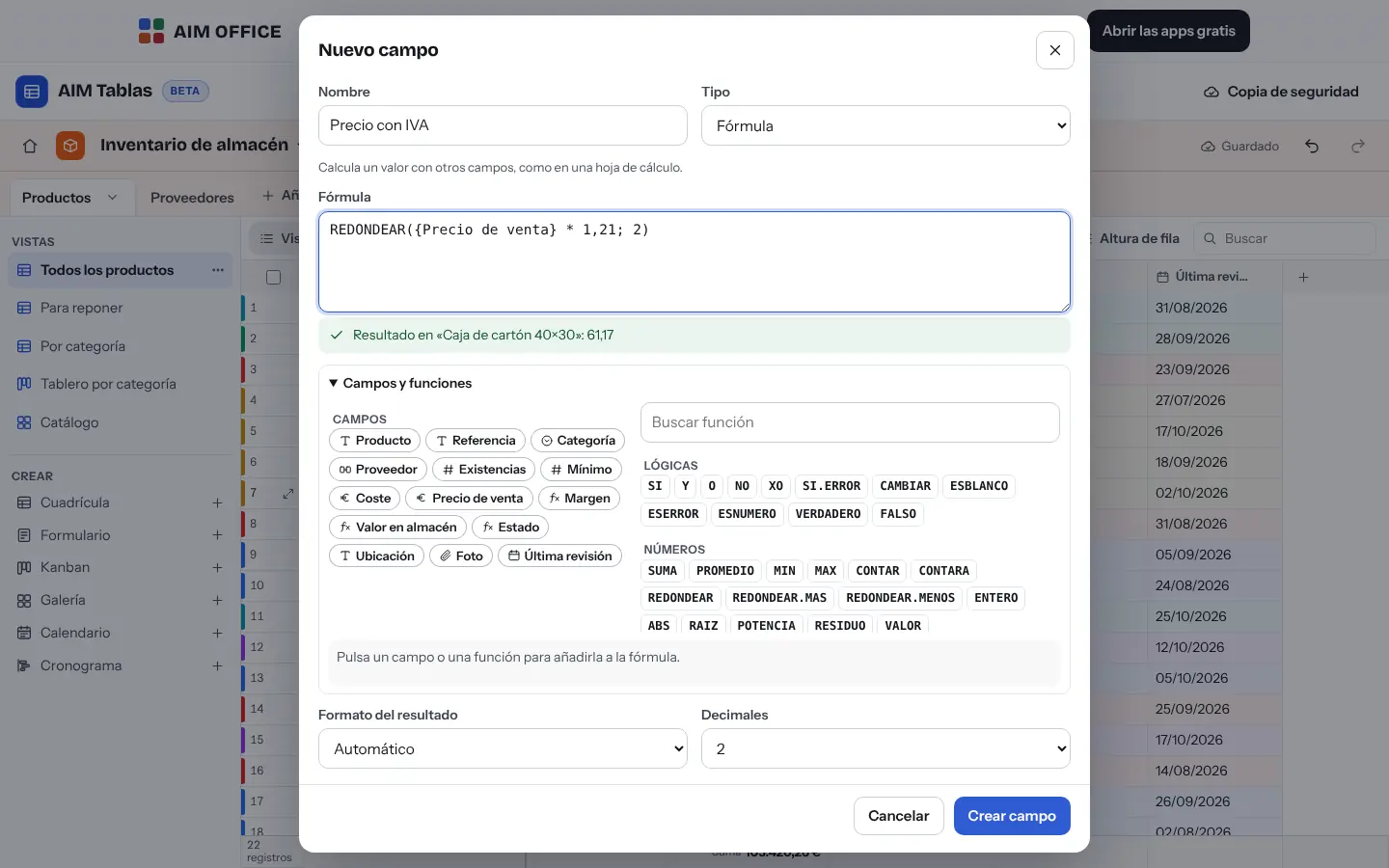
Write formulas with logical, text, number and date functions, and use fields in curly brackets. If there's an error, it tells you what's wrong and where, before you save.
Link products to suppliers or tasks to projects. The reverse relationship is created automatically, and with lookups, rollups and counts you bring in data from the other table without copying it.
Filters by text, number, select or relative dates (“today”, “in a month”), with nested AND/OR groups. Group on several levels with subtotals per column.
Design a form with the fields you want, required or not: each response creates a record. To receive responses from other people through a link, it connects to AIM FORM.
Undo and redo changes to cells, records and batches. Each record keeps a history of what changed and when.
We've tested 50,000 records: filtering, sorting and grouping stay fast. Import CSV or XLSX and export with values and their formats.
SMEs, freelancers and firms that already work this way.
The inventory with reference, category, supplier, stock and price, a “To restock” view and a dashboard with the value of the stock.
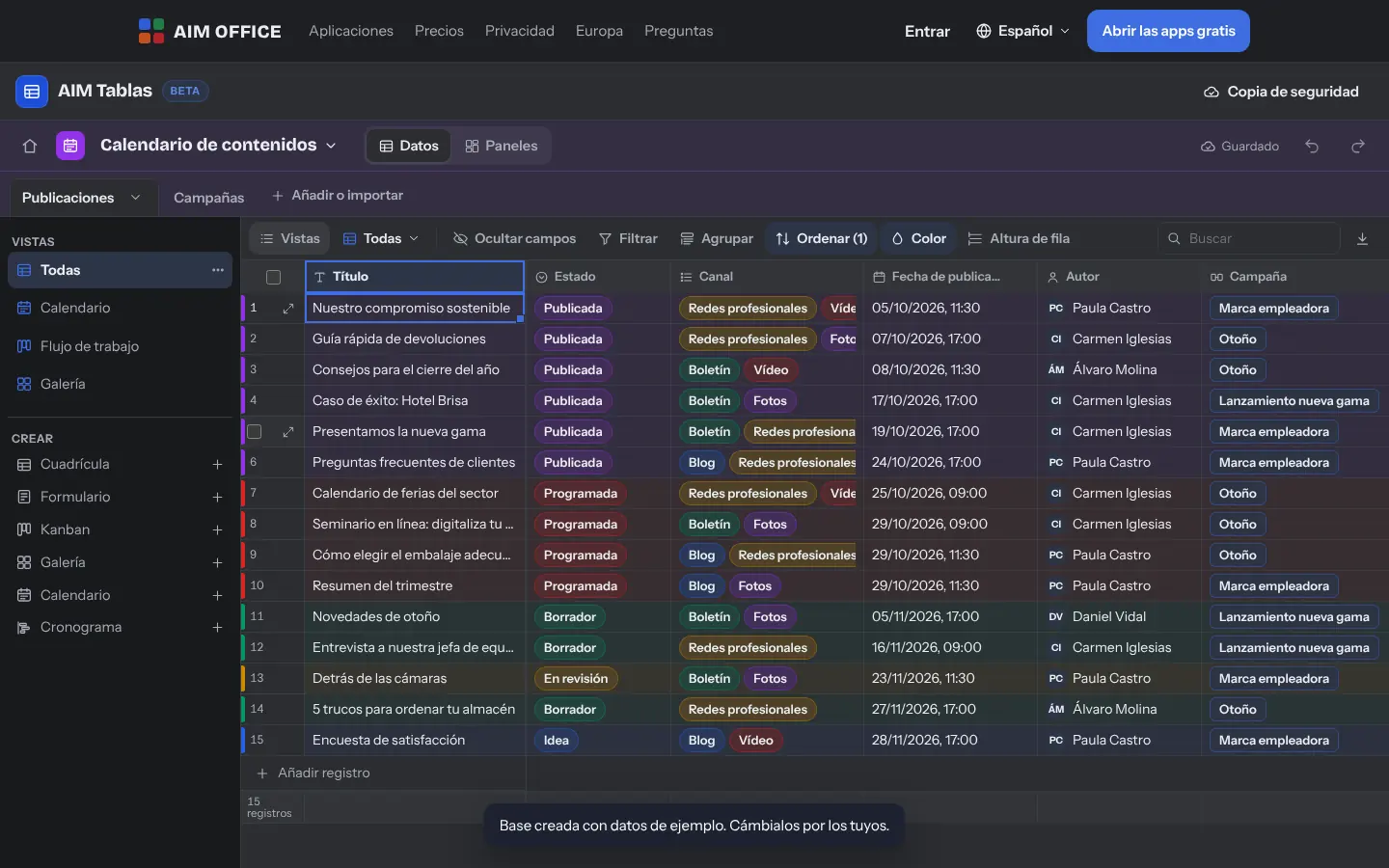
The content calendar: each post with its channel, its status on a kanban board and its date on the calendar.
Facility issues with priority, owner, status and attached photos, plus a form for reporting problems.
Members, events and registrations in linked tables, with the attendee count per event on a dashboard.
Each app does its own job and hands the work on to the next.
For other people to fill in a form via a link, AIM FORM publishes it and collects the responses.
Export any table to XLSX or CSV and open it in AIM Sheets; import from there whenever you like.
Clients and sales? AIM CRM comes with contacts, companies, deals and quotes ready to use.
What stays on your device, what travels encrypted and what we store. No small print.
Bases, tables, records and attachments are stored in your browser. They are not sent to our servers and no account is needed.
Download a backup of each base with one click and load it on another device, with its links and formulas intact.
Nothing from your bases. No analytics or advertising.
Biomag S.L.U., a Spanish company. Hosted in Amsterdam (EU), with no advertising and no trackers. Read the privacy policy
Start free, no card. Pro only if you need it.
€0Forever. No sign-up, no card.
From €1.99€1.99 a month with annual billing, or €2.49 a month paying every 6 months. VAT included, no commitment.
Each column is a field with its own type (a date is always a date), tables are linked to each other and the same data can be seen as a grid, kanban, calendar or gallery without duplicating it.
No: each database lives in your browser and isn’t shared. To move a database to another device, use that database’s backup.
Yes, XLSX and CSV. You see a preview, choose each field's type and AIM Tables creates the table. When you paste data, it creates any missing options and linked records on its own.
We've tested it with 50,000 records in one table. The real limit is your browser's storage.
Before converting, it warns you about values that don't fit, and if you convert to a calculated field and back, you get the values back. And you can always undo.
Yes. “Start from scratch” deletes only the sample records, keeps the structure and can be undone.
No sign-up, no card and nothing to install. It opens in your browser in a second.