Everything in its place
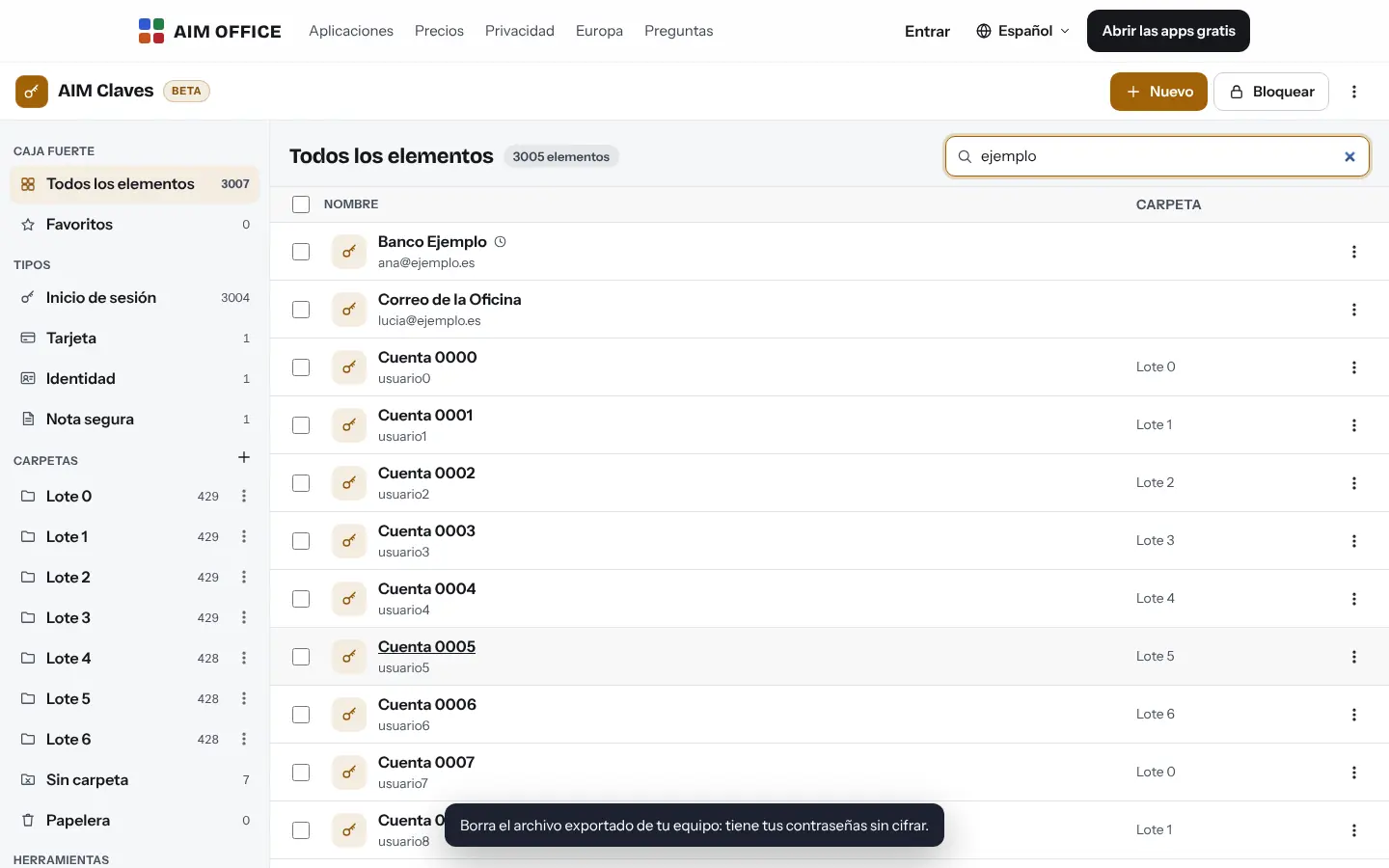
Logins, cards, identities and secure notes, with folders, favourites and search that finds things instantly.
AIM Passwords
Passwords, verification codes, cards and secure notes, encrypted on your device with a master password that only you know. Not even we can open your vault.
What usually happens, and how AIM Passwords solves it.
You use the same password everywhere because you can't remember more.
AIM Passwords keeps them all behind one master password and generates passwords impossible to guess.
Verification codes are on one phone and passwords somewhere else.
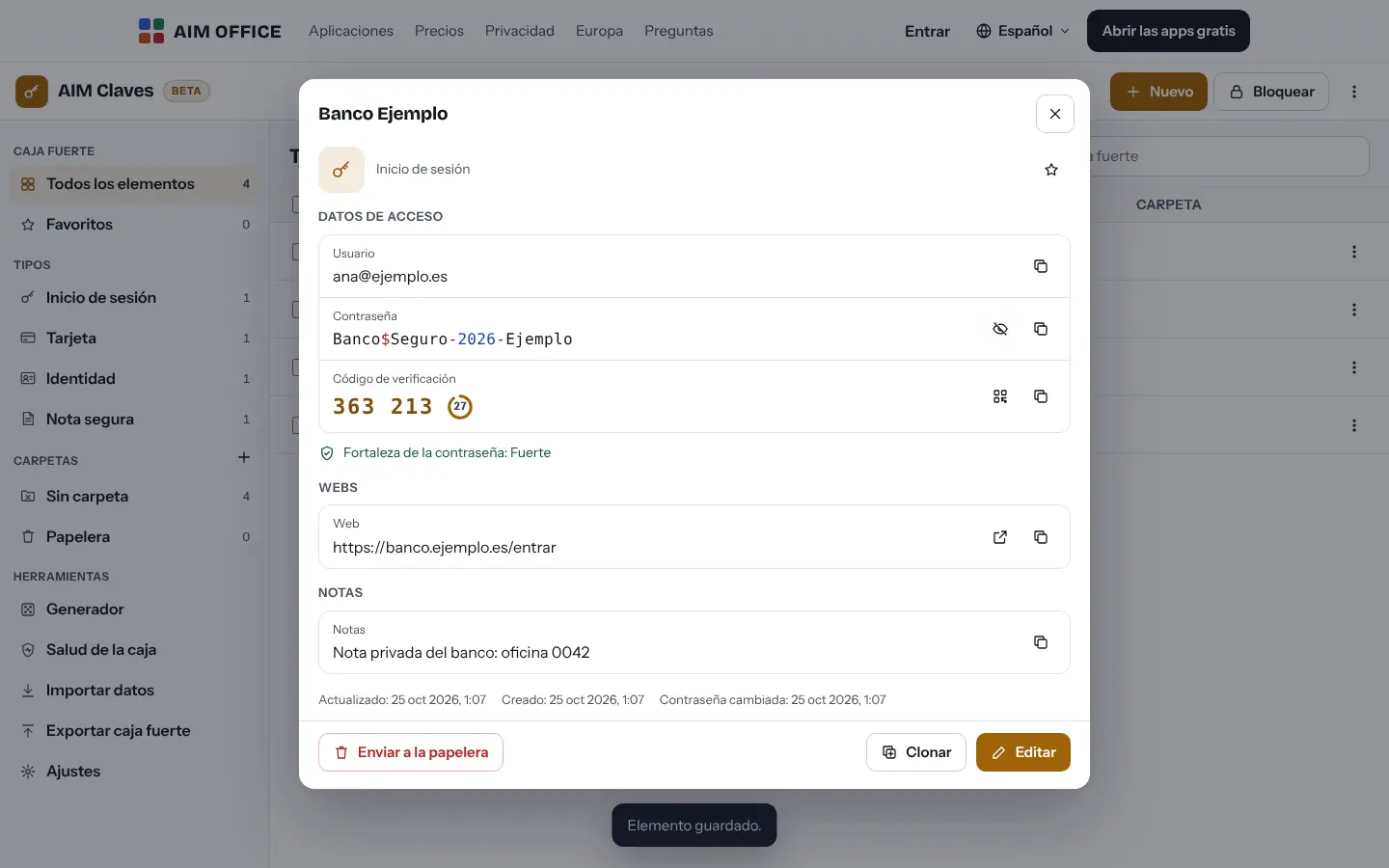
It also stores two-step codes and gives you the six-digit code next to the password.
You don't know which of your passwords are weak or have appeared in a breach.
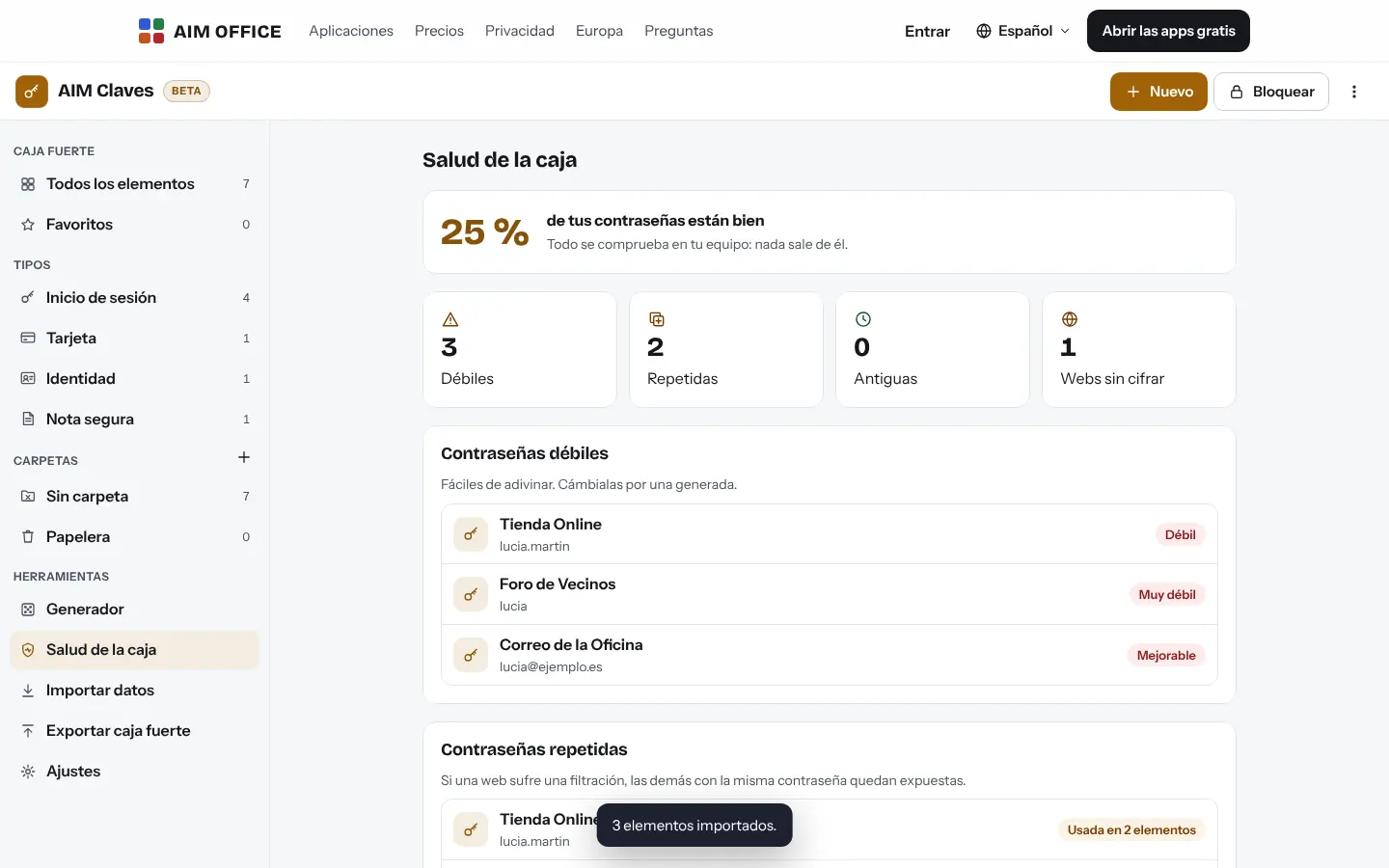
It tells you which are weak, which you reuse and, if you ask, which appear in public breaches.
Getting started is this simple. And this is what you'll see: screenshots of the real app.
Choose a strong master password and, better still, create a recovery code too in case you ever forget it.
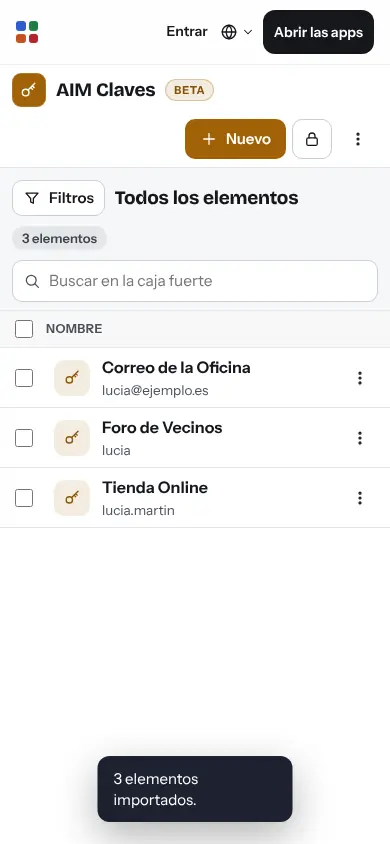
Import the ones saved in your browser or another manager (CSV or JSON). AIM Passwords recognises the format and skips duplicates.
Copy the username, password or code with one click, generate new passwords and check your vault's health to change the weak ones.
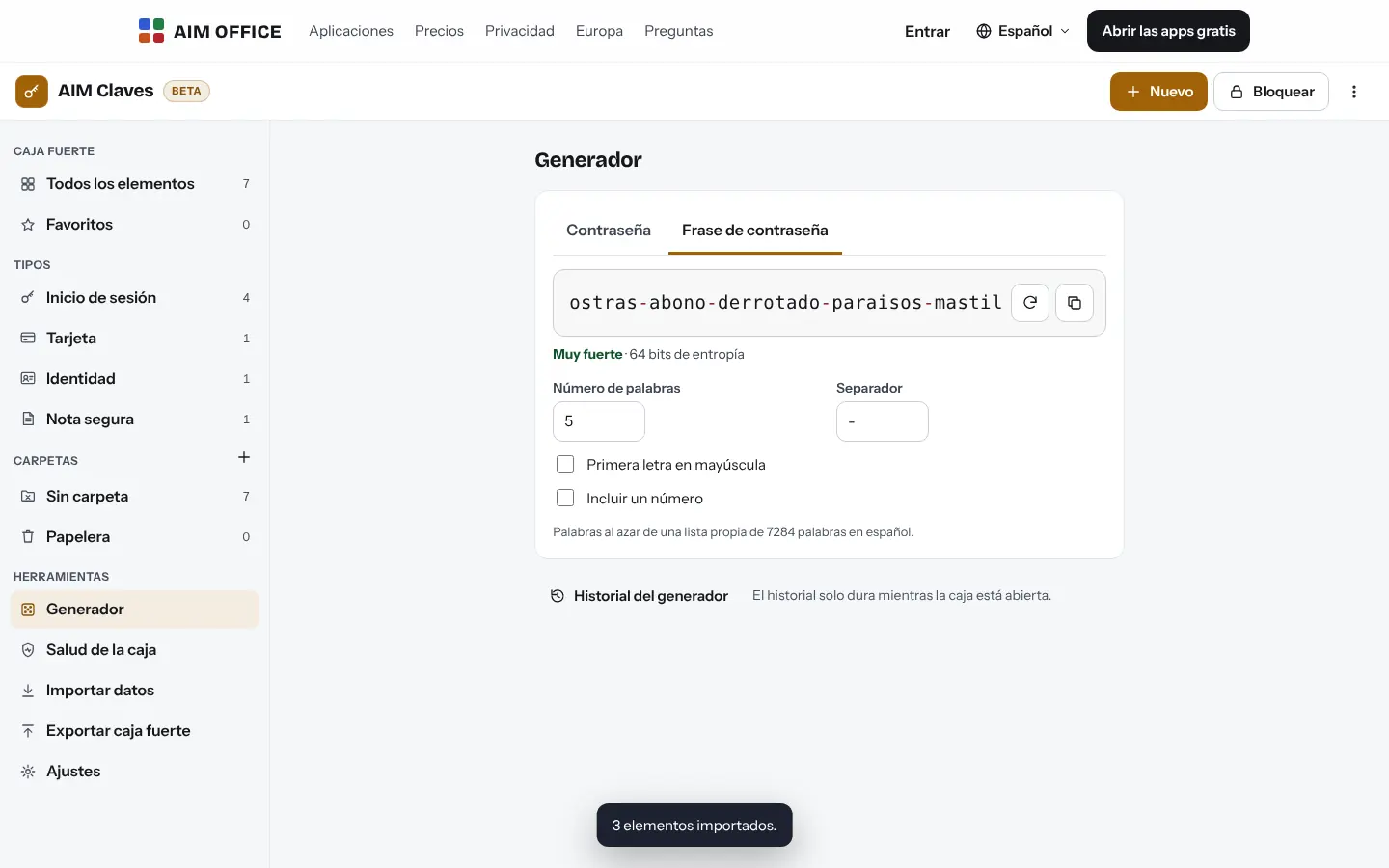
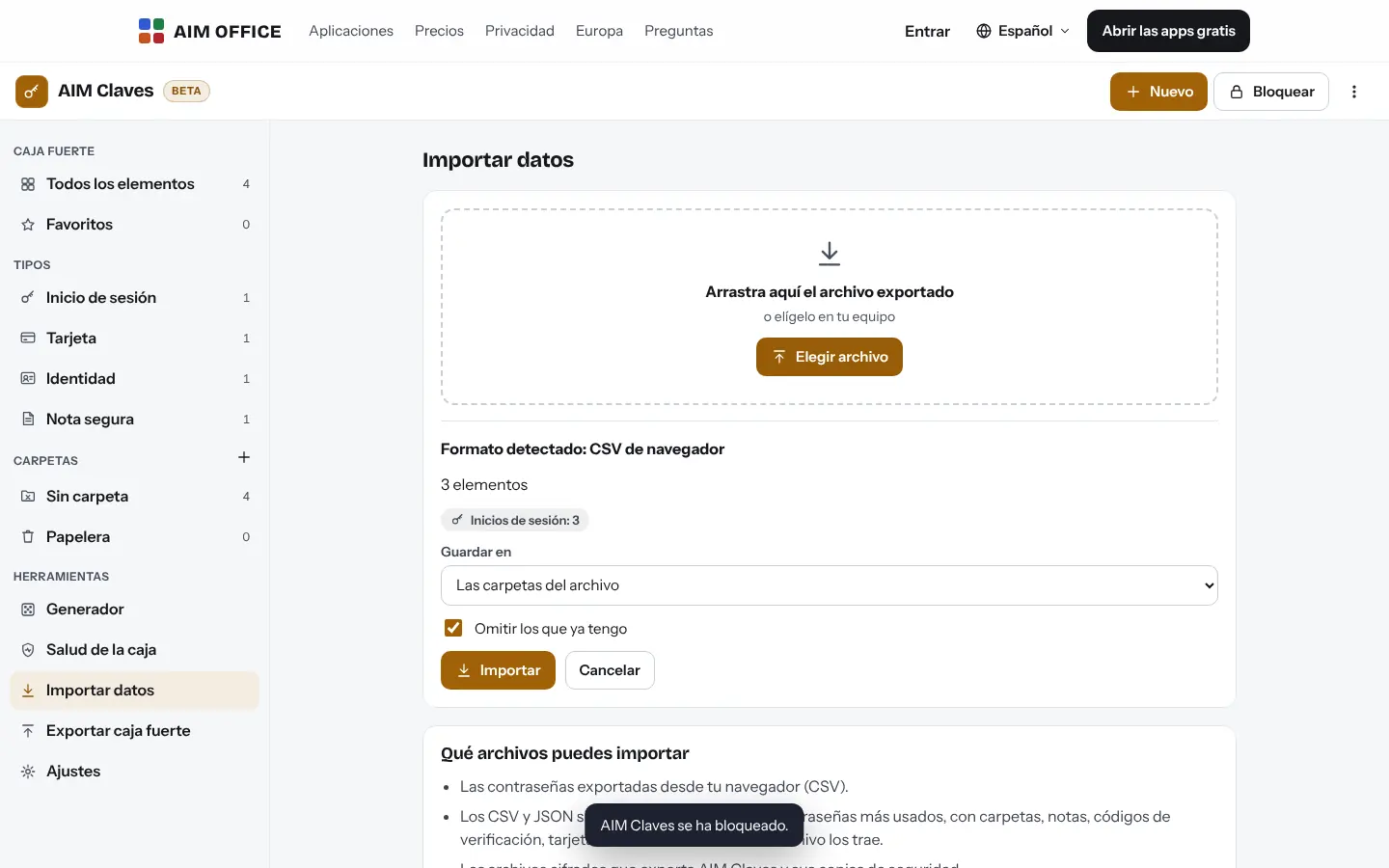
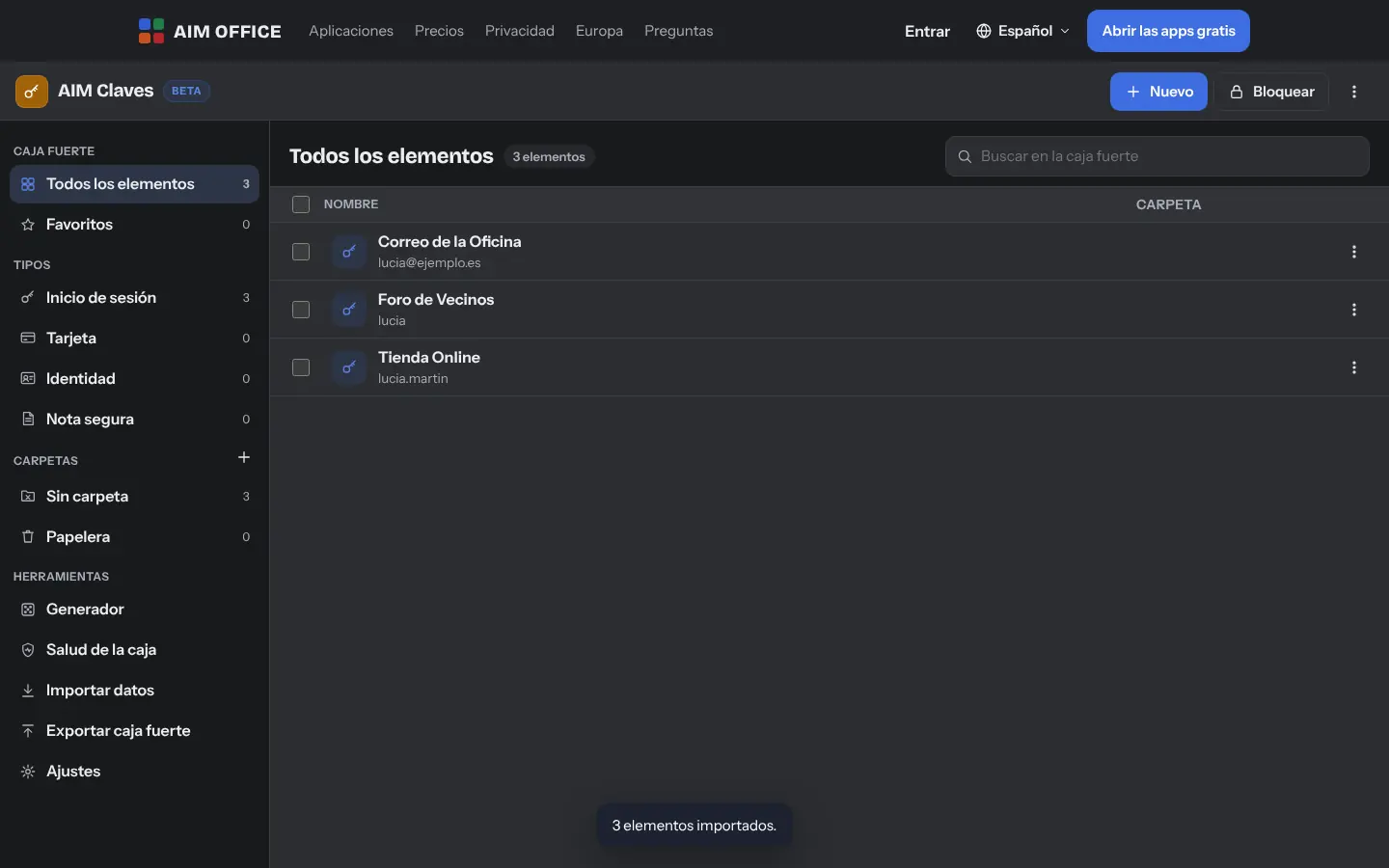
Everything AIM Passwords does today, told by what it solves for you.
Logins, cards, identities and secure notes, with folders, favourites and search that finds things instantly.
Store each website's two-step verification key (scanning its QR code with the camera or from an image) and AIM Passwords gives you the six-digit code, right next to the password.
It tells you which passwords are weak, which ones you reuse, which ones you haven't changed in over a year, which websites aren't encrypted and, if you ask, which ones appear in public breaches.
Generate passwords with the length and characters you want (without the easily confused ones) or passphrases made of Spanish words that are easy to remember.
From the CSV of your browser or another password manager, the unencrypted JSON of another manager, or the KeePass database (.kdbx), which is opened on your device. With automatic mapping and a notice of anything that doesn’t fit.
With your free account, your vault syncs between your computer, laptop and phone, encrypted in your browser: what reaches our servers can't be opened by anyone, not even AIM.
Choose after how many minutes it locks and whether it locks when you switch screens. The clipboard clears itself after copying.
If you change a password, the old one stays in the item's history in case you need it.
Download an encrypted copy identical to your vault, or export to KeePass (.kdbx, encrypted) or to CSV to take them elsewhere.
In browsers that support it, add a passkey (your device’s fingerprint, face or PIN, or a security key) and open the vault without typing the master password, which still works. You can remove it whenever you like.
SMEs, freelancers and firms that already work this way.
Your logins for Social Security, the tax office, the bank and each supplier, with their two-step codes, in one place.
Logins for the online shop, the card terminal and suppliers, with strong passwords nobody writes on a sticky note any more.
Each client's logins sorted into folders, with secure notes for sensitive details.
Generated passwords, a check for reused ones and an encrypted backup kept somewhere safe.
Each app does its own job and hands the work on to the next.
To pass a password to someone, use an AIM Send secret message: it's read once and disappears.
For encrypted notes that aren't passwords, AIM Notes syncs your encrypted notes across devices.
Before you share a document, remove the personal data with AIM Anonymise.
What stays on your device, what travels encrypted and what we store. No small print.
Your vault is encrypted in your browser with AES-256 and a key derived from your master password with Argon2id (64 MiB of memory on each attempt, which slows down anyone trying to guess it). Vaults created earlier, with PBKDF2, switch by themselves to Argon2id the next time you open them. Your master password never leaves your device.
The encrypted vault is stored in your browser and no account is needed. If you turn on sync, it only reaches our servers encrypted.
Only your recovery code can open the vault. We can't: keep it somewhere safe and download encrypted copies now and then.
Biomag S.L.U., a Spanish company. Hosted in Amsterdam (EU), with no advertising and no trackers. Read the privacy policy
Start free, no card. Pro only if you need it.
€0Forever. No sign-up, no card.
From €1.99€1.99 a month with annual billing, or €2.49 a month paying every 6 months. VAT included, no commitment.
If you created a recovery code, open it with that and choose a new password. If not, nobody can open it, not even us: that's the price of it being truly private.
Yes, with your free AIM account: turn it on in the AIM Passwords settings and, on the other device, bring your vault from the account and open it with your master password. It travels and is stored encrypted.
No: AIM Passwords works on its own page, without an extension. You copy a username, password or code with one click and paste it into the website; the clipboard clears itself shortly afterwards.
Yes, if you ask for it in “Vault health”: only the beginning of each password's digest (5 characters) leaves your device, through AIM, and the comparison is done on your device.
Yes, in browsers that support it: add a passkey in the AIM Passwords settings. The master password and the recovery code still work, and you can remove the passkey whenever you like.
No: your vault is yours alone. To pass a password to someone, use a secret message from AIM Send: it is read once and disappears.
No sign-up, no card and nothing to install. It opens in your browser in a second.