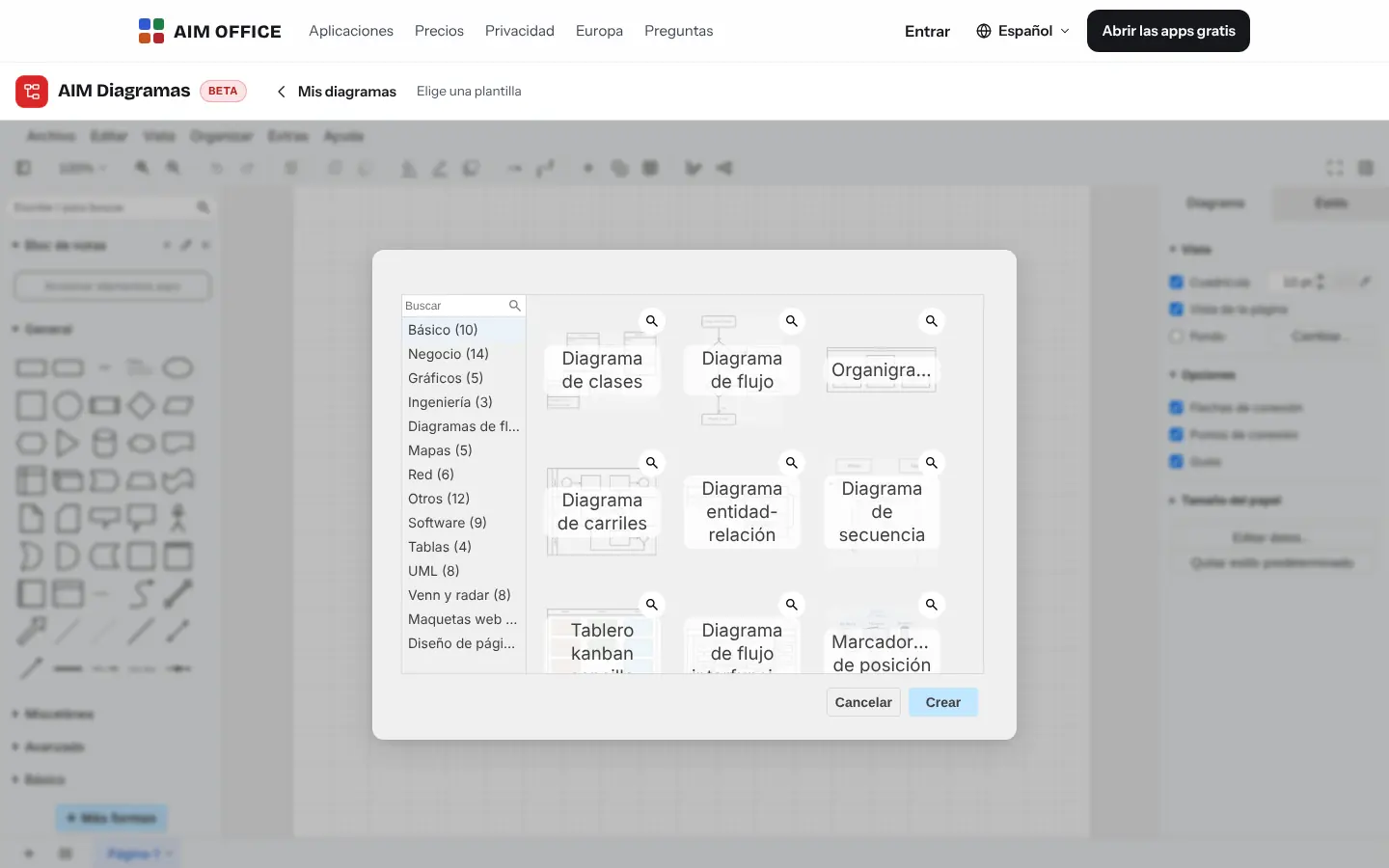
Templates so you don't start from scratch
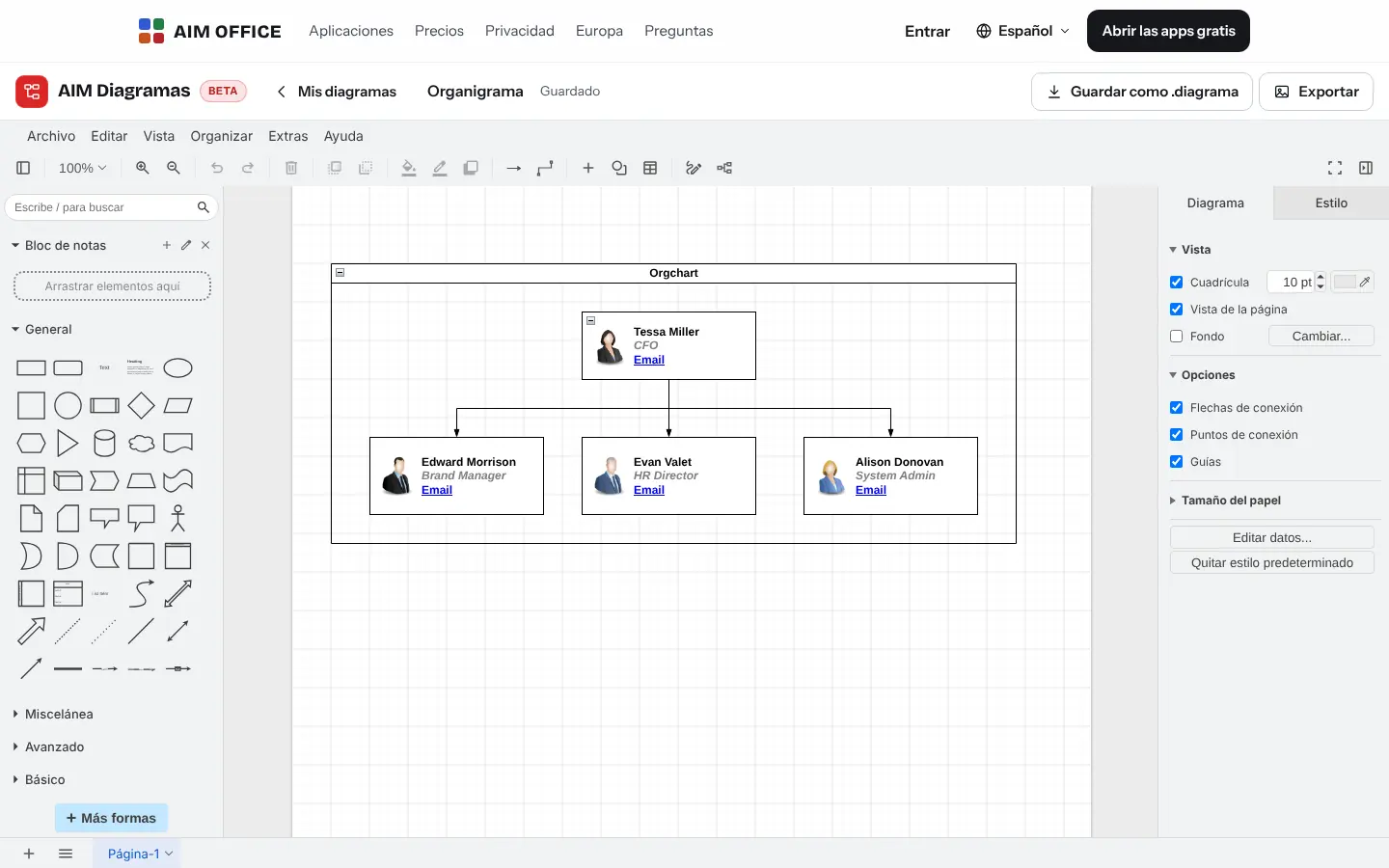
Org charts, flowcharts, process, class, entity-relationship and sequence diagrams, networks, boards and floor plans. Pick one and change the text.
AIM Diagrams
Flowcharts, org charts, processes, networks, office floor plans and mind maps, with thousands of shapes and templates. Opens your .vsdx files and files from other diagram editors.
What usually happens, and how AIM Diagrams solves it.
Someone sends you a .vsdx and you have nothing to open it with.
AIM Diagrams opens .vsdx files and those from other diagram editors, and you keep working on them.
You move a box and all the arrows get left behind.
Connectors follow shapes as you move them, and you align and distribute with one click.
Drawing an org chart by hand takes an afternoon.
Templates for org charts, flowcharts, processes and networks, with thousands of shapes and a search box.
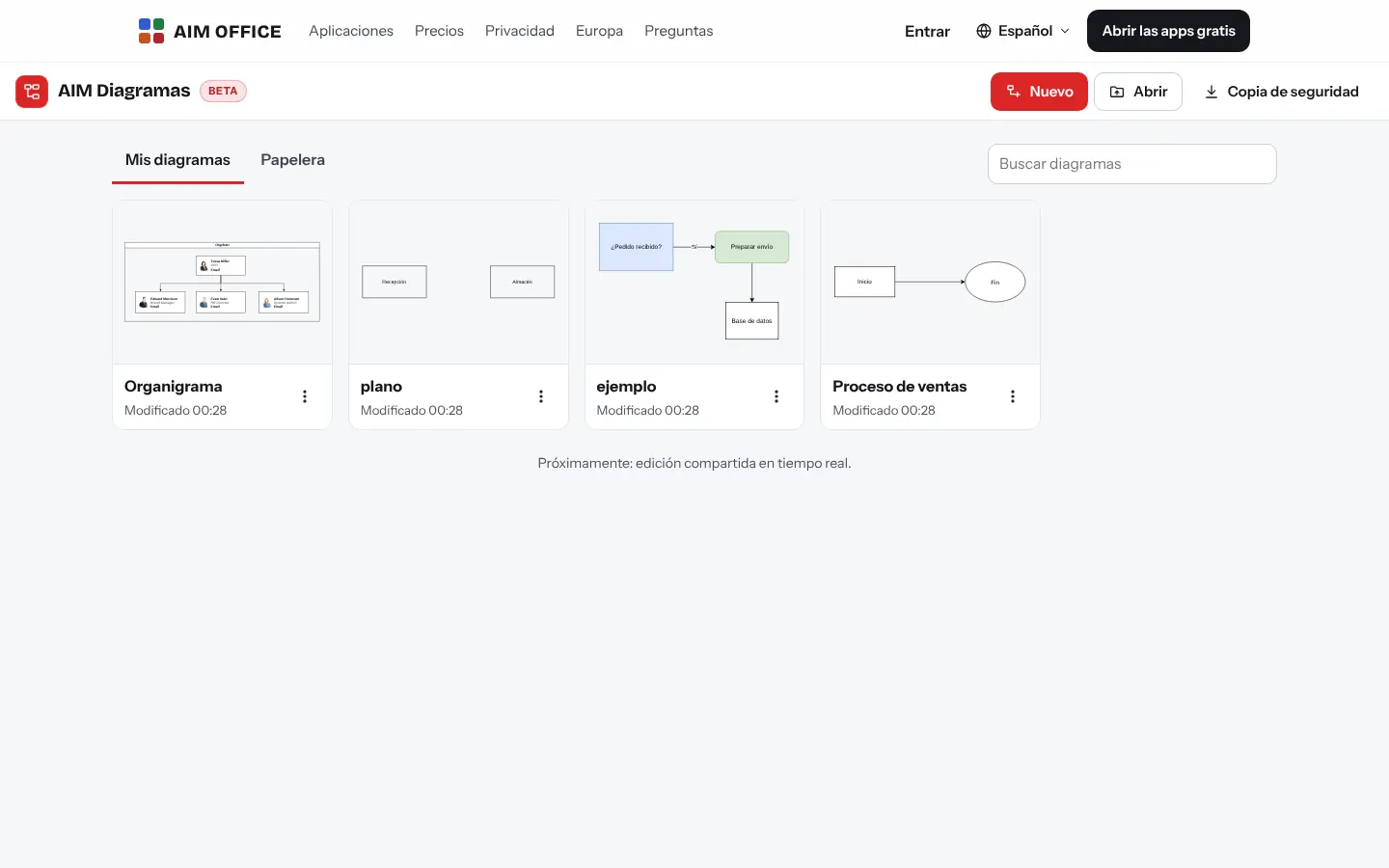
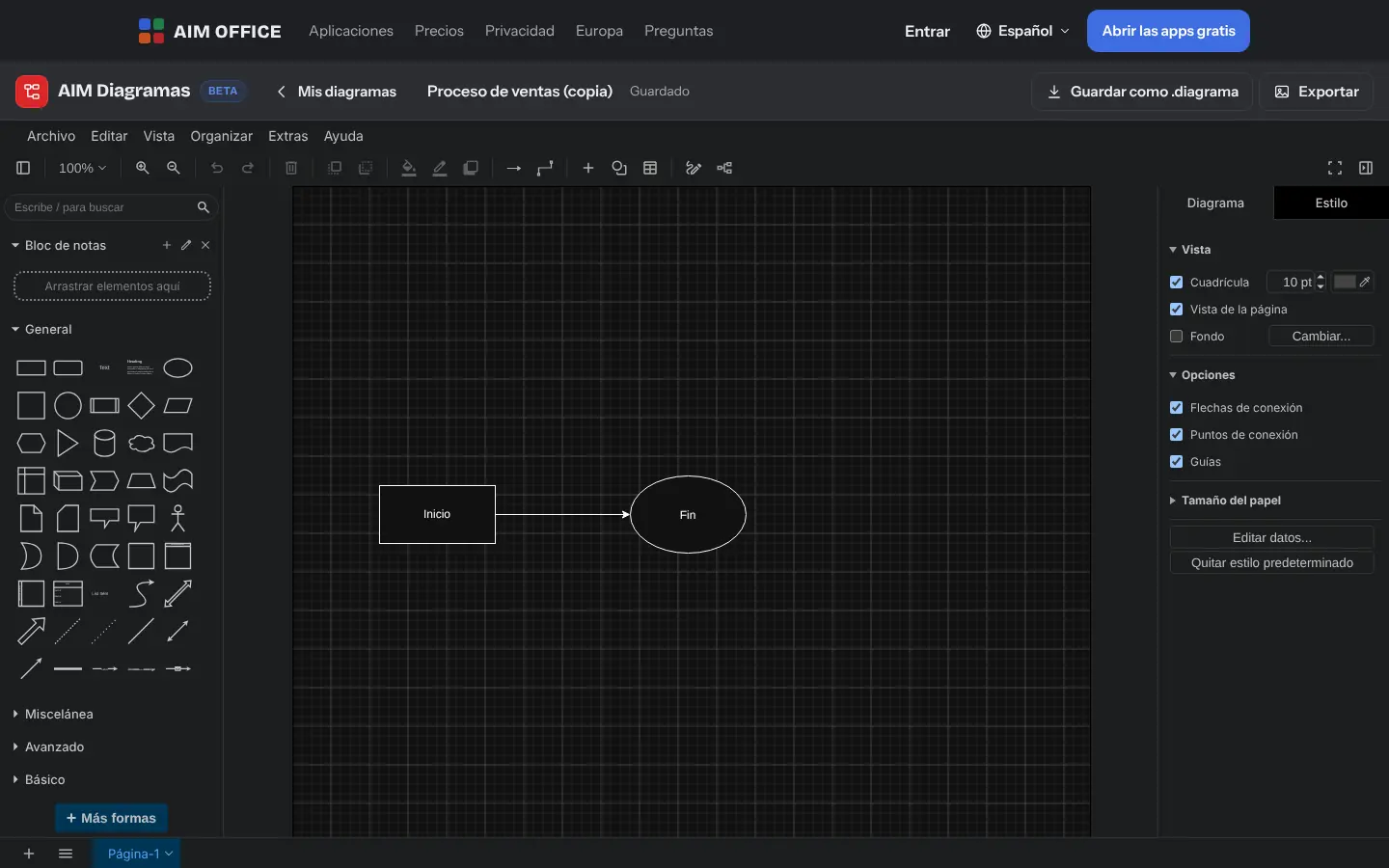
Getting started is this simple. And this is what you'll see: screenshots of the real app.
Pick from flowcharts, org charts, processes, class diagrams, entity-relationship diagrams, networks or floor plans, or open a file you already have.
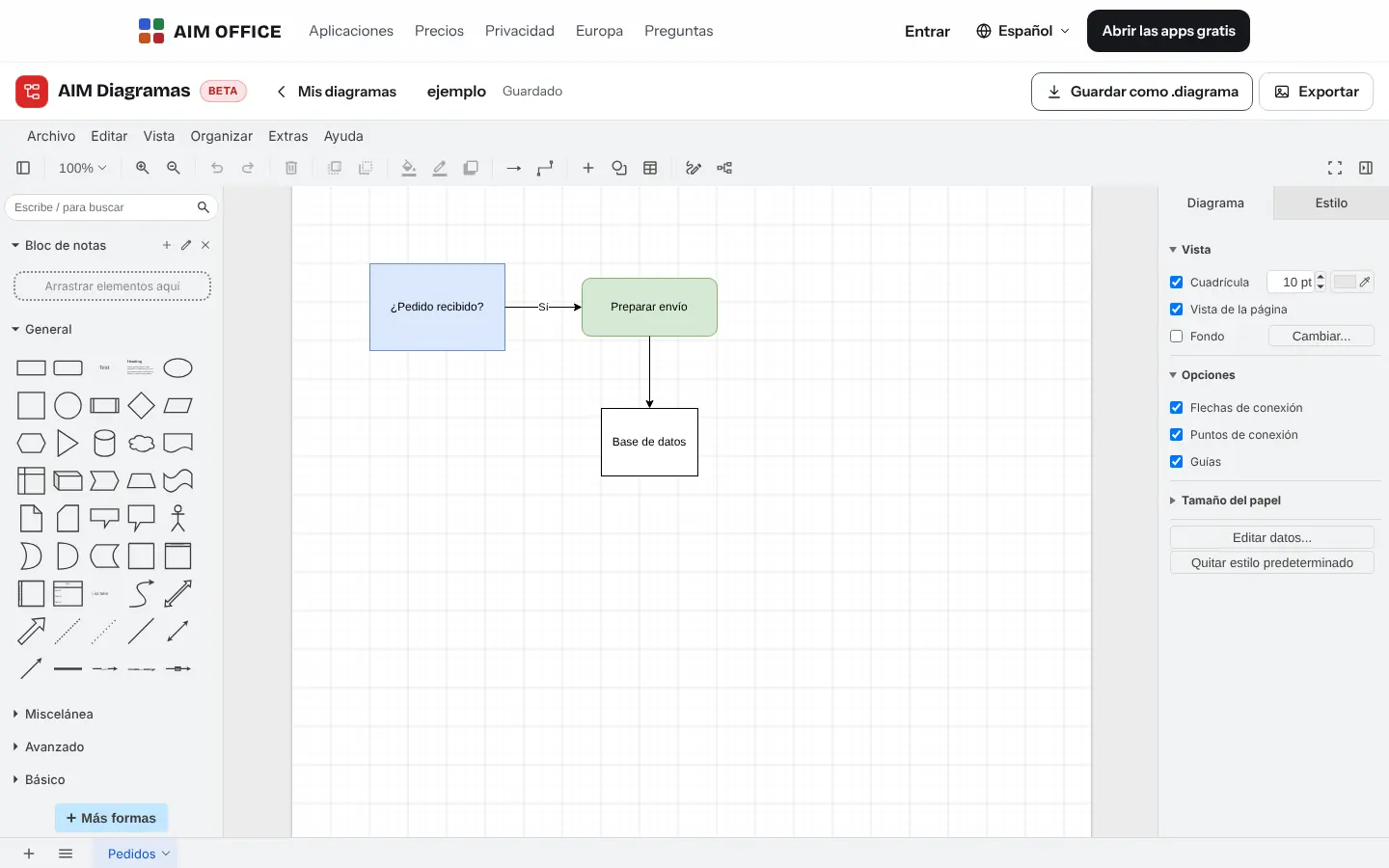
Find the shape you need, drop it on the canvas and join it with connectors that rearrange themselves when you move something.
Save as .diagrama to keep editing, or export as PNG, SVG or PDF for your documents and presentations.
Everything AIM Diagrams does today, told by what it solves for you.
Org charts, flowcharts, process, class, entity-relationship and sequence diagrams, networks, boards and floor plans. Pick one and change the text.
General, flowchart, business, network, engineering, software, UML, Venn and screen mock-up shapes, with a search box to find the one you need.
Connect shapes with straight, curved or elbow connectors. When you move a shape, the lines follow. Align, distribute and group in one click.
With previews, accent-insensitive search, sorting by date and a bin to recover what you deleted.
Open .vsdx files, files from other diagram editors (compressed too), and editable .xml and SVG files, and keep working on them.
PNG image, an SVG image you can edit again, or a PDF with one image per page, ready for a report, a website or a presentation.
A single file can have several pages: the overall process on one and each area's detail on the next.
SMEs, freelancers and firms that already work this way.
The company org chart with photos and job titles, updated in minutes when someone joins or changes role.
The client's processes as flowcharts with their owners, for their quality manual or certification.
The office network diagram or the desk layout plan before the works begin.
Class, entity-relationship and sequence diagrams to document a program.
Each app does its own job and hands the work on to the next.
Export the diagram as PNG or SVG and insert it into your AIM Docs report.
Take the org chart or process to an AIM Slides slide.
To think freehand before putting things in order, start in AIM Whiteboard.
What stays on your device, what travels encrypted and what we store. No small print.
Your diagrams are stored in your browser. They aren't sent to our servers and you don't need an account.
Download a backup of all your diagrams whenever you like, or save each one as a .diagrama file.
Nothing from your diagrams. No analytics or advertising.
Biomag S.L.U., a Spanish company. Hosted in Amsterdam (EU), with no advertising and no trackers. Read the privacy policy
Start free, no card. Pro only if you need it.
€0Forever. No sign-up, no card.
From €1.99€1.99 a month with annual billing, or €2.49 a month paying every 6 months. VAT included, no commitment.
Yes. Also files from other diagram editors (compressed or not), .xml and editable SVG. It saves to .diagrama, its own format.
No: each diagram is edited by one person. To work together, share your screen in AIM Meetings.
PNG, SVG (which can be reopened and edited) and PDF, which carries each page as an image.
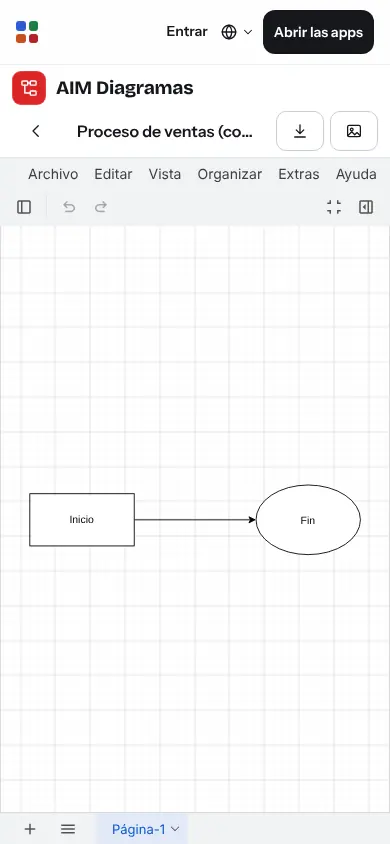
Yes, to view and touch up diagrams. For large diagrams, a bigger screen is better.
AIM Whiteboard is for quick freehand sketching. AIM Diagrams is for precise diagrams, with standard shapes, connectors and templates.
No sign-up, no card and nothing to install. It opens in your browser in a second.