Themes to get off to a good start
Themes with their colour and font combinations, masters and layouts with placeholders that inherit formatting. Change the look of the whole presentation in one go.
AIM Slides
Slides with themes, transitions, animations, charts, video and presenter view. Open and save your PPTX presentations on your device, with nothing to install.
What usually happens, and how AIM Slides solves it.
Someone sends you a PPTX and on your computer it falls apart: different fonts and text spilling out of its box.
AIM Slides opens and saves PPTX and draws the most common fonts with free typefaces of the same measurements.
To present, you have to bring your own laptop because the one in the room doesn't have the program.
A browser is enough: open the presentation and click Present.
You pay per-person licences to make a few slides a month.
AIM Slides is free with no sign-up, with themes, transitions, animations and speaker notes.
Getting started is this simple. And this is what you'll see: screenshots of the real app.
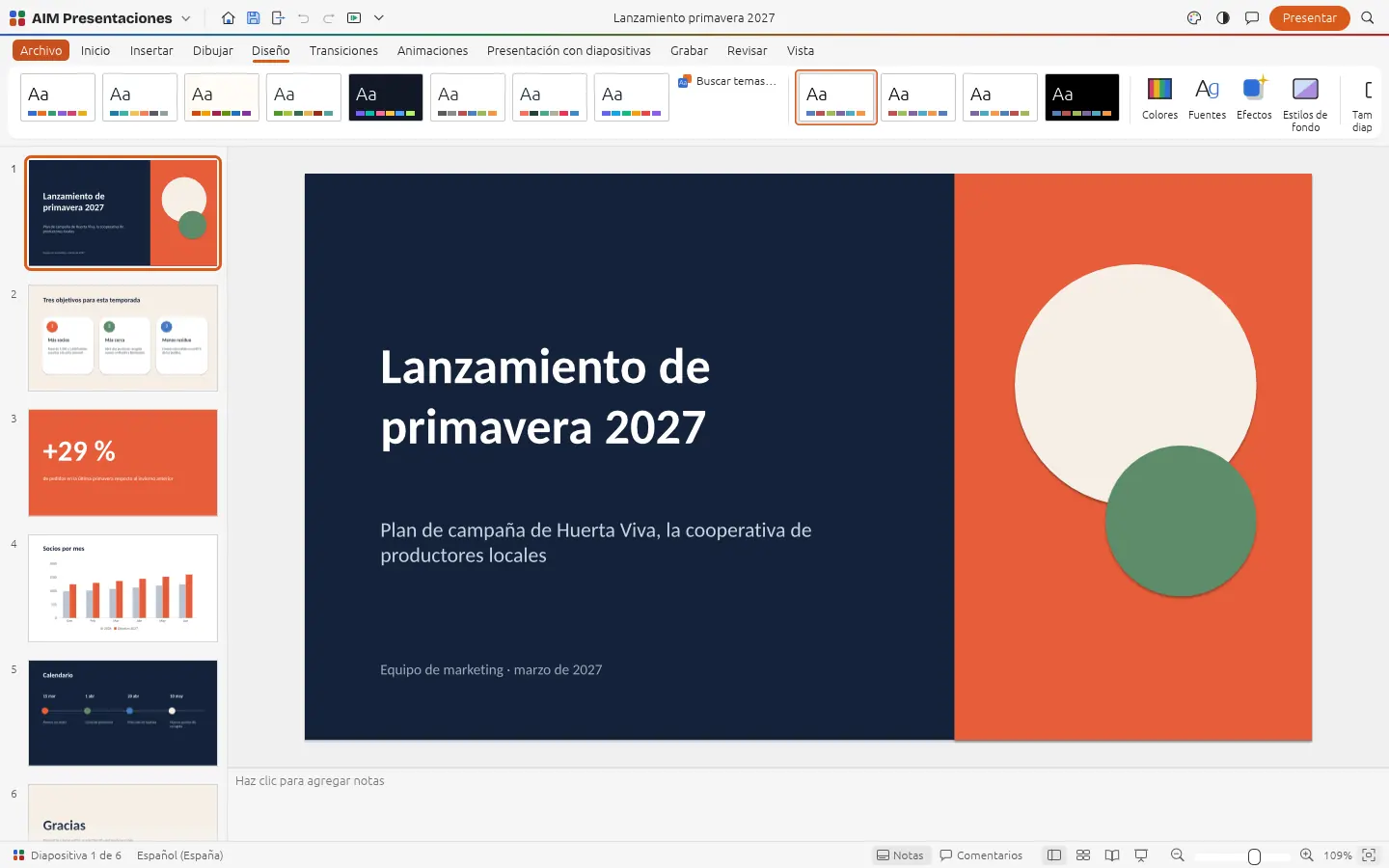
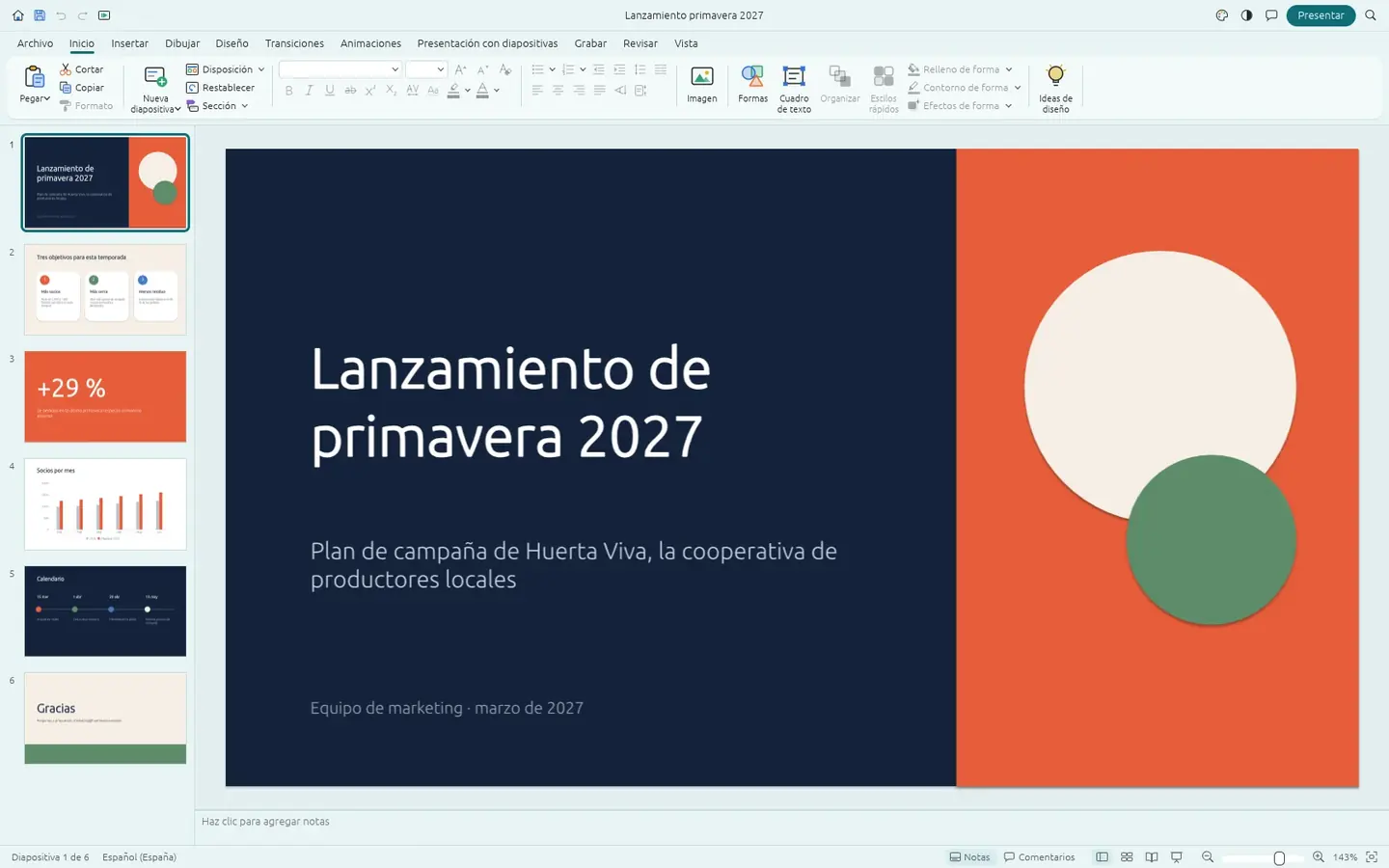
Drag in a presentation or start from scratch with one of the themes.
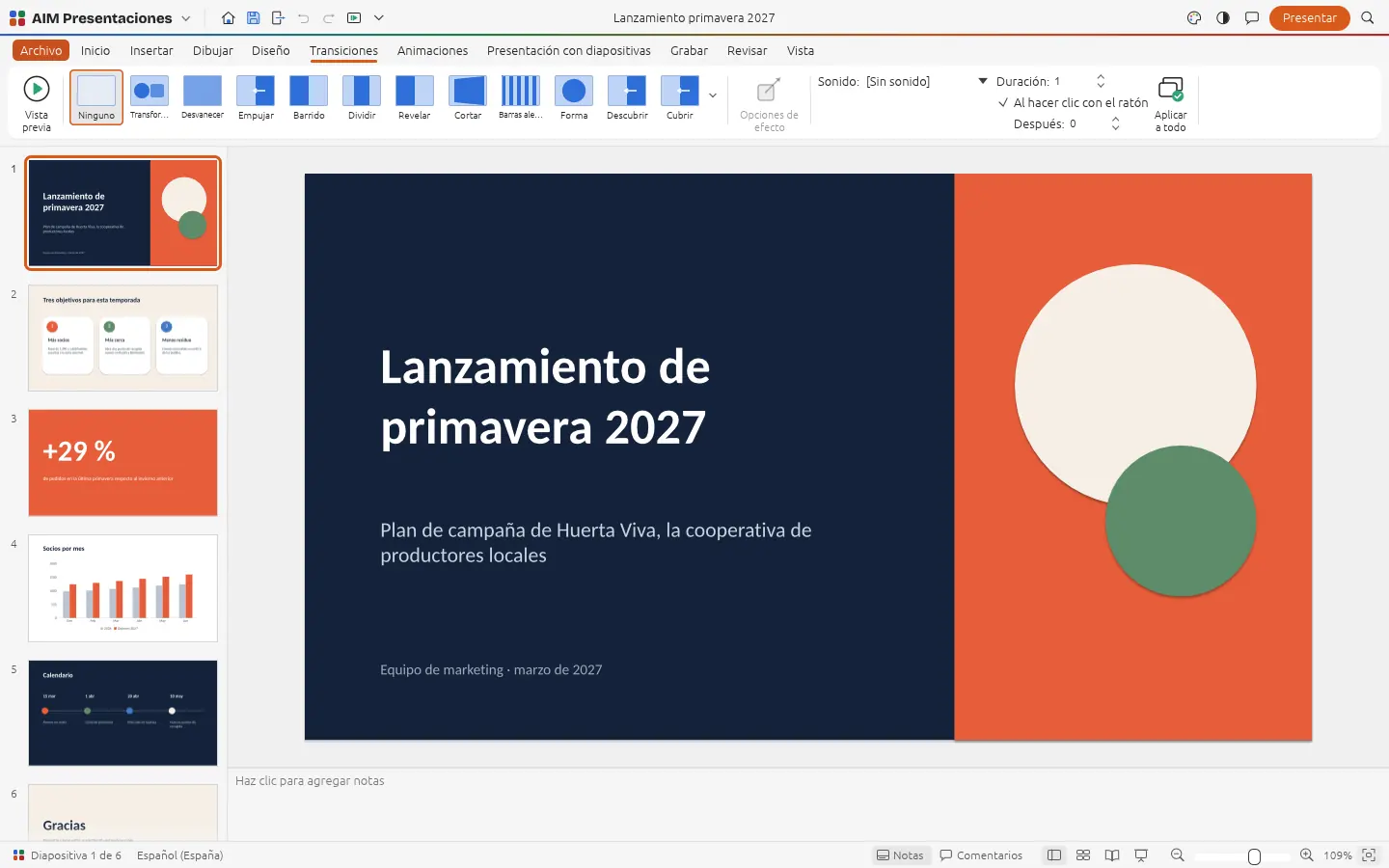
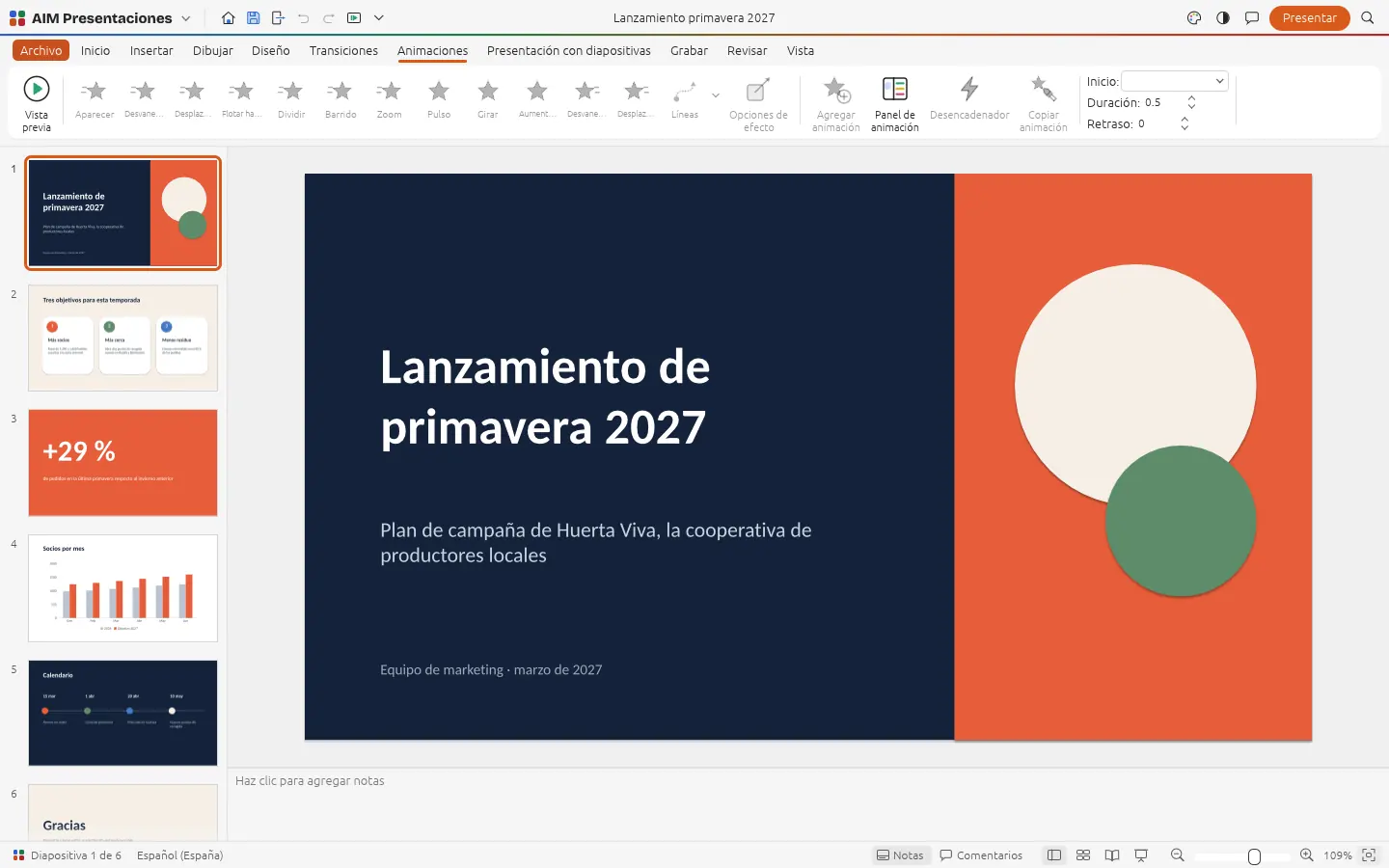
Layouts with placeholders, shapes, images, tables, charts, sound and video, plus transitions and animations to give them rhythm.
Full screen, with presenter view so you can see your notes and the next slide while you speak.
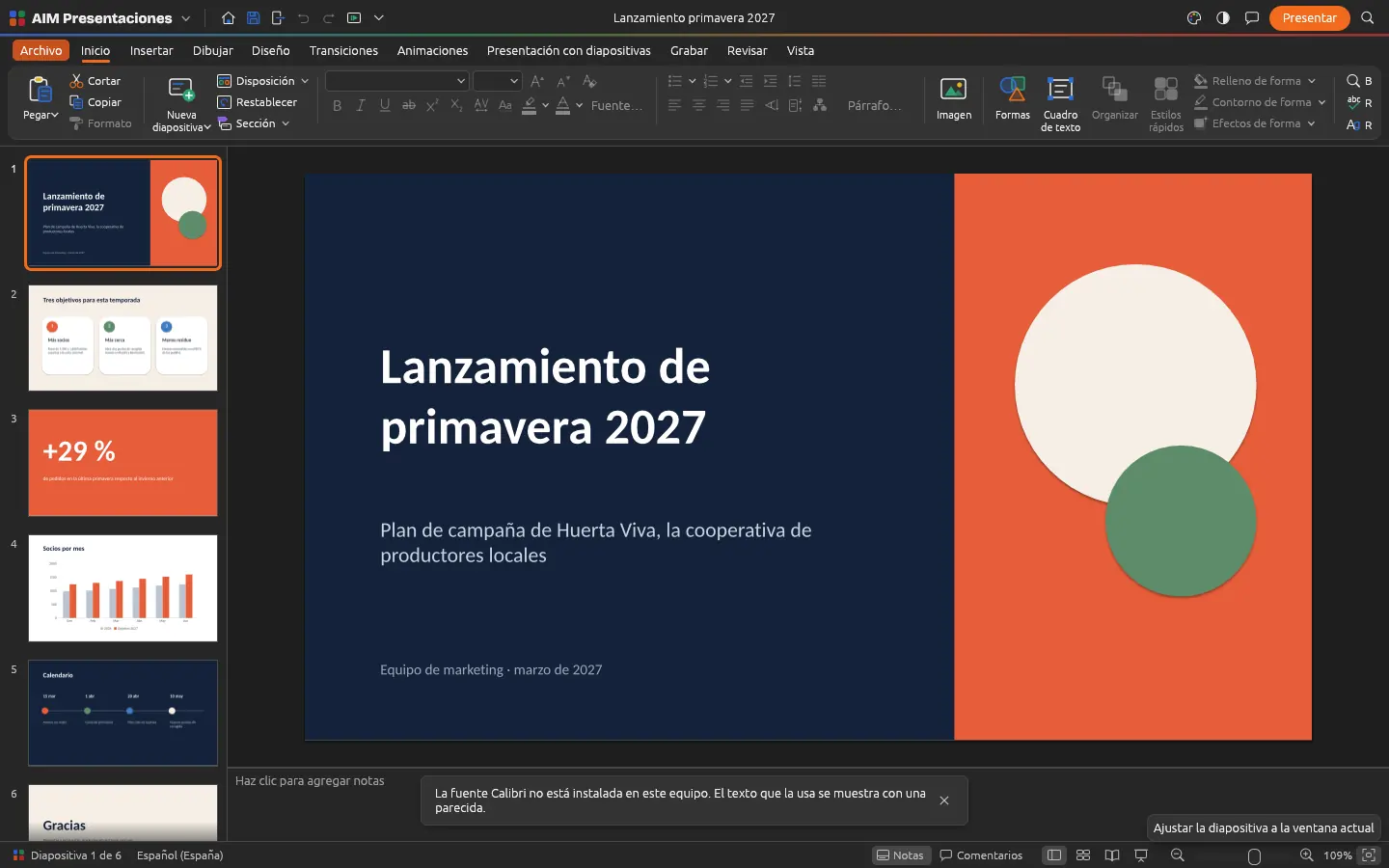
Everything AIM Slides does today, told by what it solves for you.
Themes with their colour and font combinations, masters and layouts with placeholders that inherit formatting. Change the look of the whole presentation in one go.
Effects between slides with their duration, so the move from one idea to the next is noticed without distracting.
Entrance, emphasis, exit and motion paths, paragraph by paragraph too, to tell things in the order you want.
Over 150 shapes with connectors that stay attached, images with cropping, styled tables, charts, sound and video.
Your notes, the next slide and the timer, while the audience sees the presentation full screen. With a pointer and pen to point things out.
PDF of slides, notes pages or handouts with several slides per page; PNG or JPEG images; and an animated GIF of the whole presentation.
Opens and saves PPTX, opens templates and read-only slide shows, and ODP too. If something doesn't fit the chosen format, it warns you when you save.
Paste an outline as text or Markdown: each heading becomes a slide.
SMEs, freelancers and firms that already work this way.
The client proposal with their corporate theme, charts and a sample video.
The course with speaker notes and a handout PDF for the students.
The season's catalogue in PPTX, opened and touched up without fighting the formatting.
The annual report for the general assembly, presented full screen with presenter view.
Each app does its own job and hands the work on to the next.
Presentations that arrive in AIM Mail open straight in AIM Slides.
Insert org charts and processes from AIM Diagrams as images.
Record your presentation with your voice and camera using AIM Record.
Images or videos for your slides? Create them with AIM CREATE.
What stays on your device, what travels encrypted and what we store. No small print.
They're opened, edited and saved in your browser. Our servers don't see or store them.
Once installed, AIM Slides opens, saves and presents even without internet.
With Pro you can store your files in AIM Cloud, on our server in Amsterdam (EU), and open them from any computer. Only the files you store in a vault are end-to-end encrypted.
Biomag S.L.U., a Spanish company. Hosted in Amsterdam (EU), with no advertising and no trackers. Read the privacy policy
Start free, no card. Pro only if you need it.
€0Forever. No sign-up, no card.
From €1.99€1.99 a month with annual billing, or €2.49 a month paying every 6 months. VAT included, no commitment.
Yes: PPTX, POTX templates and PPSX slideshows (which are saved as PPTX). ODP too.
Not yet. Password-protected presentations can't be opened yet.
Yes. Install AIM Slides from your browser and present even if the room has no internet.
Yes, video and sound on the slides, which play when you present.
Save it as PPTX or export it to PDF, images or an animated GIF. With Pro, save it to AIM Cloud to open it from any computer.
No sign-up, no card and nothing to install. It opens in your browser in a second.