Videos that look professionally edited
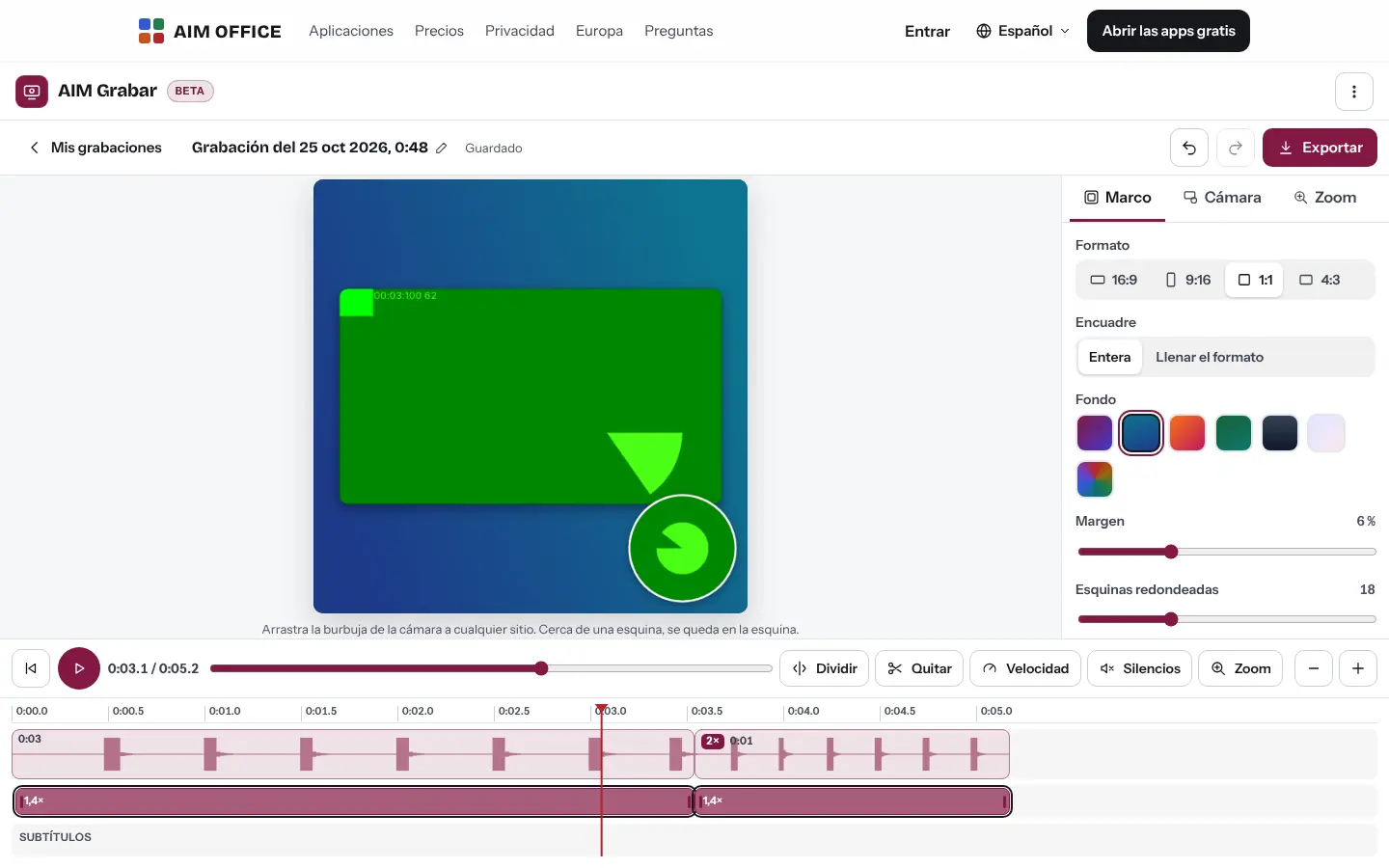
A colour or gradient background around the screen, rounded corners, a shadow and whatever format you need: landscape, square or portrait.
AIM RecordBeta
Record your screen, your camera and your voice, and turn it into a clear video with automatic zoom, framing, cuts, speed and subtitles generated on your device. Nothing to install.
What usually happens, and how AIM Record solves it.
You explain the same process to every new person, over and over.
Record it once with your screen, camera and voice, and share it.
Nobody in the video can see where you click.
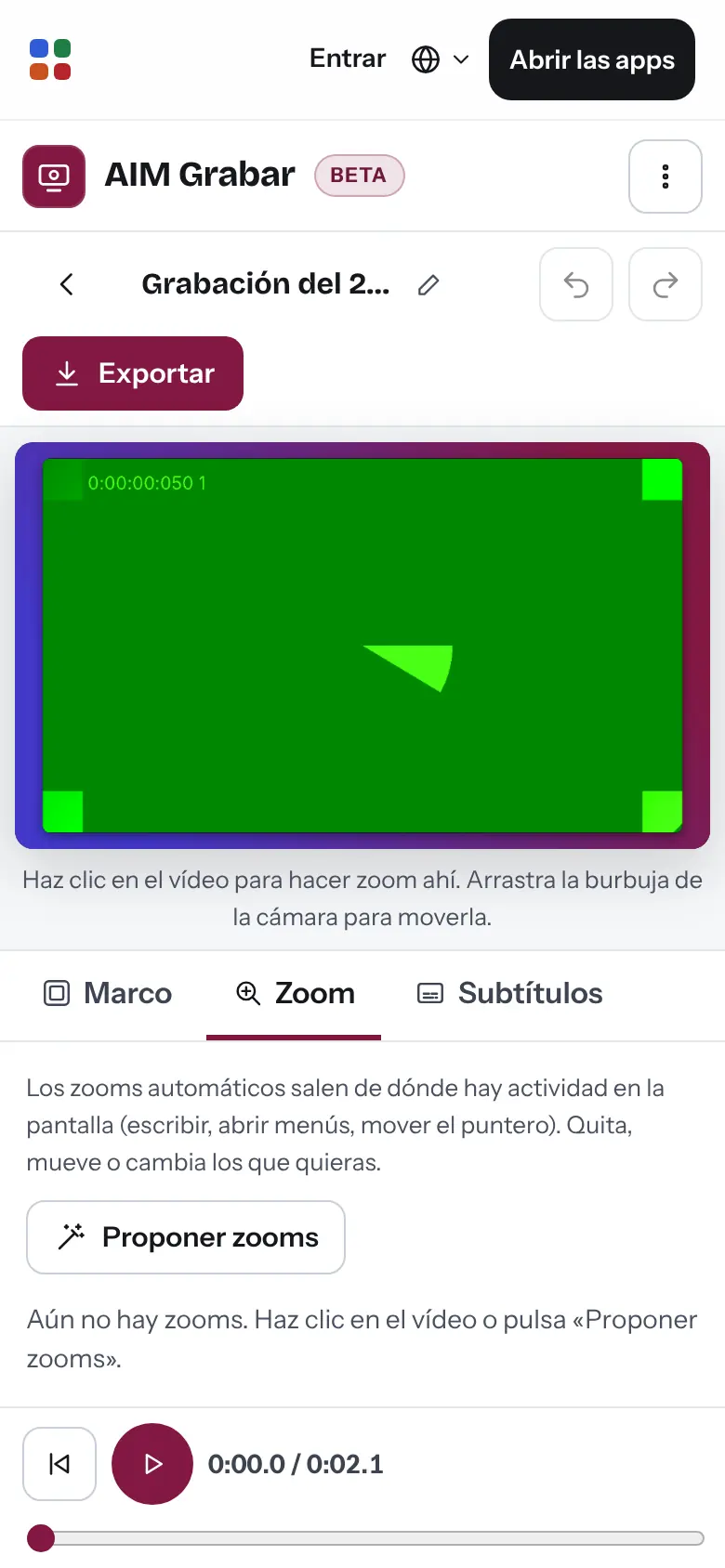
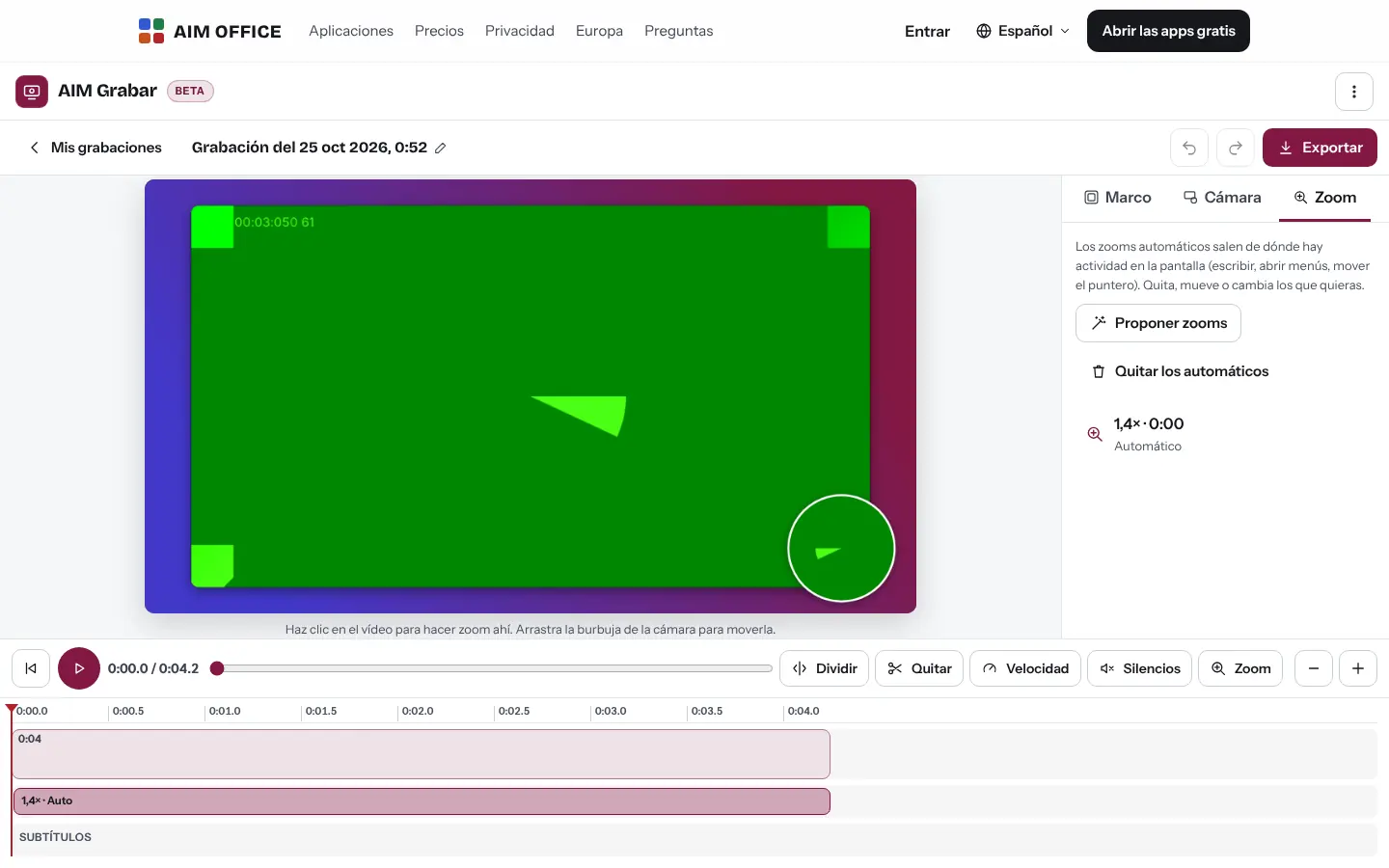
Automatic zoom moves in where you type or click, with smooth motion.
The tab closes mid-recording and you lose everything.
The recording is saved as you go and you can recover it when you come back.
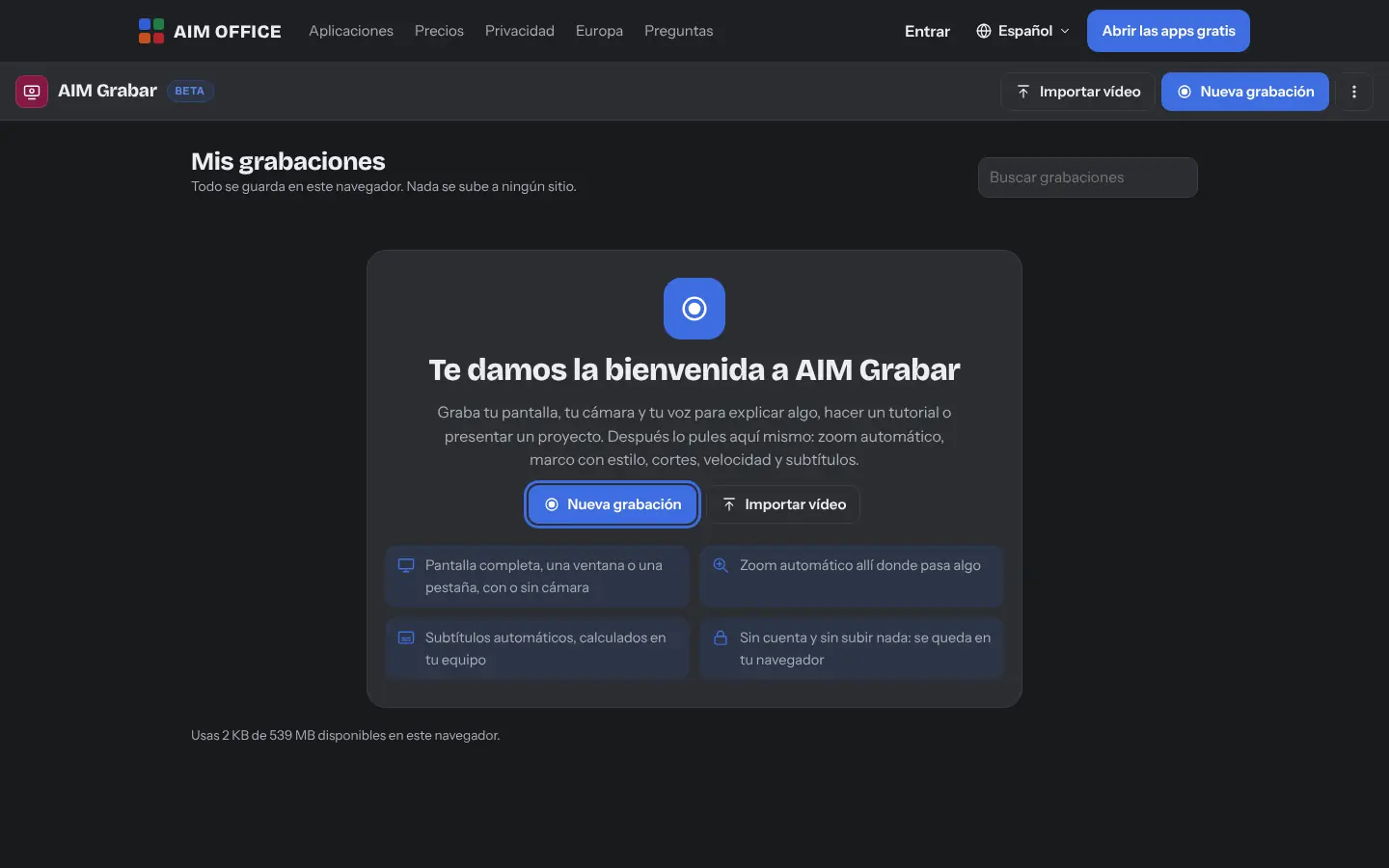
Getting started is this simple. And this is what you'll see: screenshots of the real app.
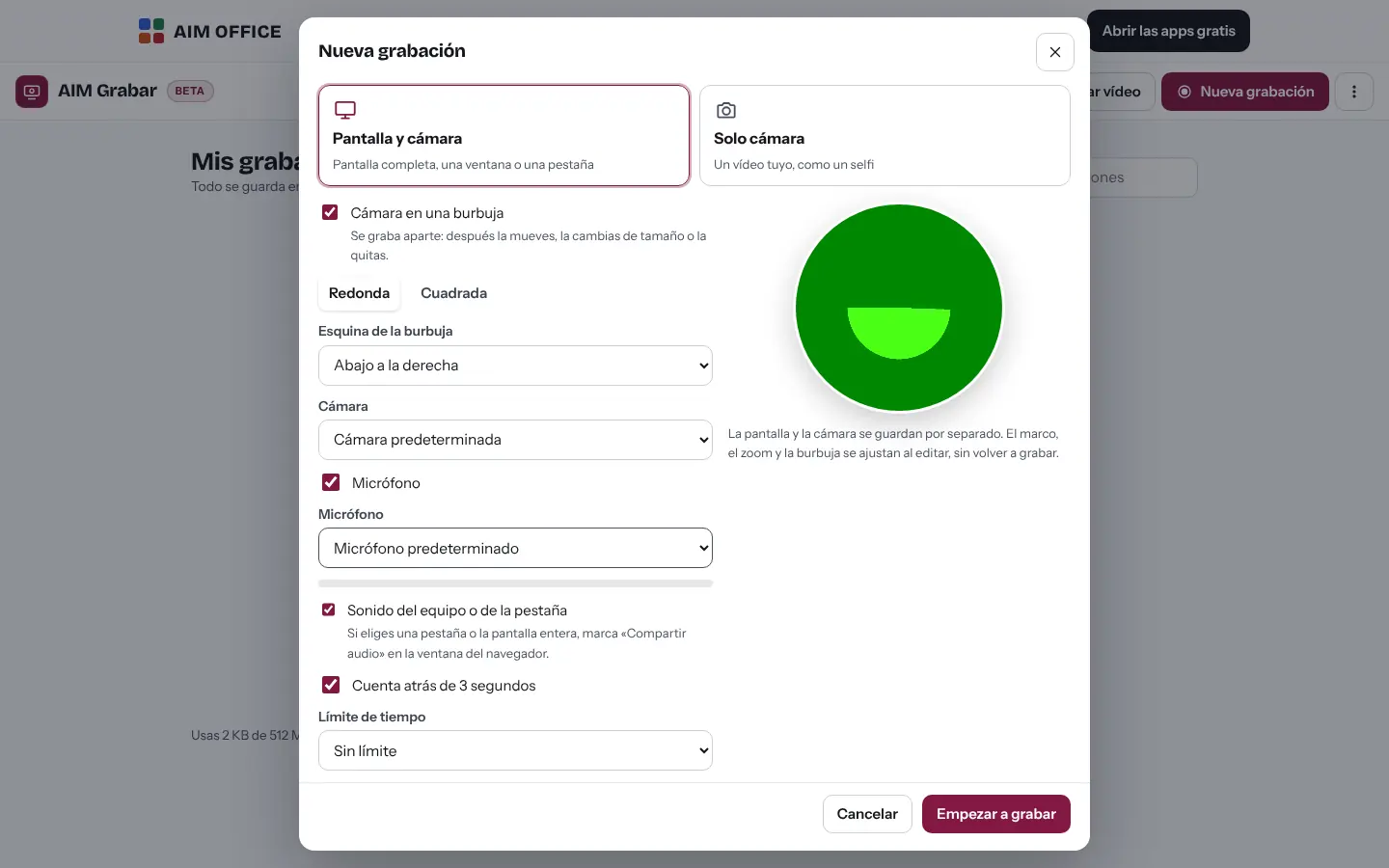
Full screen, a window or a tab, with your camera in a bubble or without it, and the microphone you prefer. Countdown and you're recording!
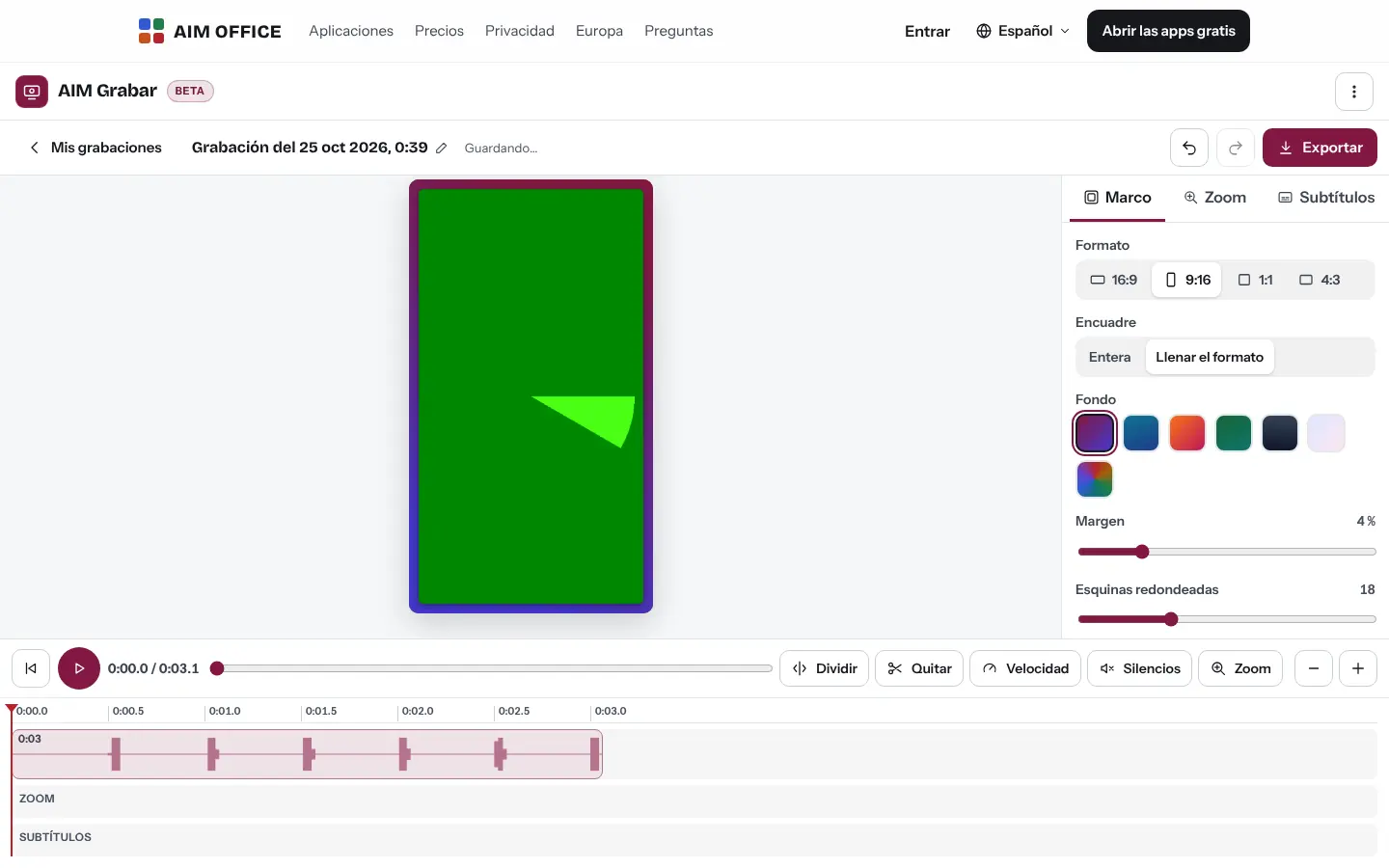
Cut what's not needed, remove silences, speed up slow parts and accept the suggested zooms, which follow what you do on screen.
Video, animated GIF or audio only, with a colour frame, the format you need and .srt or .vtt subtitles.
Everything AIM Record does today, told by what it solves for you.
A colour or gradient background around the screen, rounded corners, a shadow and whatever format you need: landscape, square or portrait.
AIM Record detects where the pointer moves and where the image changes, and suggests zooming in there, with smooth moves that zoom in, follow the pointer and zoom out. Accept, change or remove each zoom.
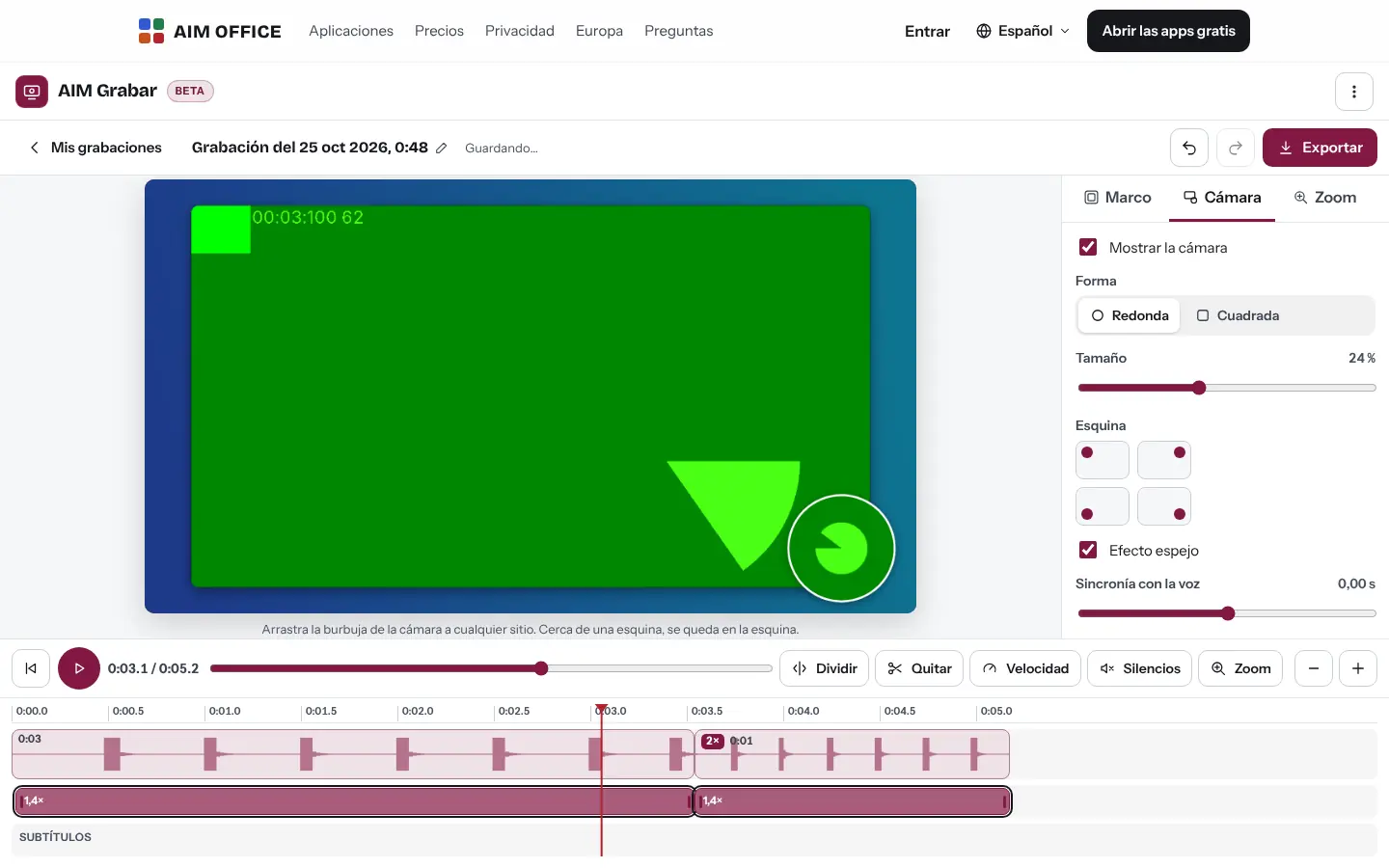
Your camera in a round or square bubble, at the size and in the corner you choose, or a camera-only video.
The recording is saved as you go: if the tab closes, you can recover it when you come back.
16:9, 9:16, 1:1 and 4:3 formats, for a presentation, a website or your social media.
Split, remove sections, reorder them and play slow parts at 1.5× or 2× without changing the pitch of your voice. Long silences are detected automatically.
Turn your voice into subtitles without sending the audio to anyone, correct them and download them as .srt or .vtt, or burn them into the video.
WebM or MP4 video, an animated GIF of up to 15 seconds, audio only as WAV, or the frame you see as a PNG image.
SMEs, freelancers and firms that already work this way.
Tutorials on how to do each task in your software, with zooms where you need to click and captions so they can be watched without sound.
Demos of your product and vertical videos for social media, with your face in a corner.
Explain a change or review a document in a two-minute video instead of a half-hour meeting.
How to download a certificate or file a tax form, recorded once and sent to every client who asks.
Each app does its own job and hands the work on to the next.
Music, effects or advanced editing? “Open in AIM CREATE” takes the video there.
If the video is too big for email, send it encrypted with AIM Send.
Insert the exported video into an AIM Slides slide.
What stays on your device, what travels encrypted and what we store. No small print.
Recordings and projects are stored in your browser. They are not sent to our servers.
Download a copy of your recordings, with the videos or only the edits, to recover them on another device.
Your voice is turned into text on your device. The first time, the voice model is downloaded from our website.
Nothing from your videos. No analytics or advertising.
The subtitles are generated by an AI model on your device and the .srt and .vtt files carry the “generated with AI” label. If you record a meeting or a call with other people, the app asks you to confirm that you’ve told them that it is being recorded and transcribed with AI.
Biomag S.L.U., a Spanish company. Hosted in Amsterdam (EU), with no advertising and no trackers. Read the privacy policy
Start free, no card. Pro only if you need it.
€0Forever. No sign-up, no card.
From €1.99€1.99 a month with annual billing, or €2.49 a month paying every 6 months. VAT included, no commitment.
No. It works in your computer's browser: the browser asks your permission for the screen, camera and microphone.
There is no fixed limit when recording: it depends on the free space in your browser, which the app shows you, and you can set a time limit if you wish. When exporting, in Chrome and Edge on a computer large videos are saved straight to disk, in chunks, without loading them into memory; in Firefox and Safari the video is prepared in your device's memory and, with very long recordings or modest devices, it may fail: the app warns you before you start.
No: AIM Record doesn’t create links. Download the video or send it with AIM Send if it’s large.
It records in WebM, which recovers better if the tab closes, or in MP4 if you ask. When exporting you can still get an MP4.
Yes: import a video and edit it just like a recording.
No sign-up, no card and nothing to install. It opens in your browser in a second.