One meeting, one link
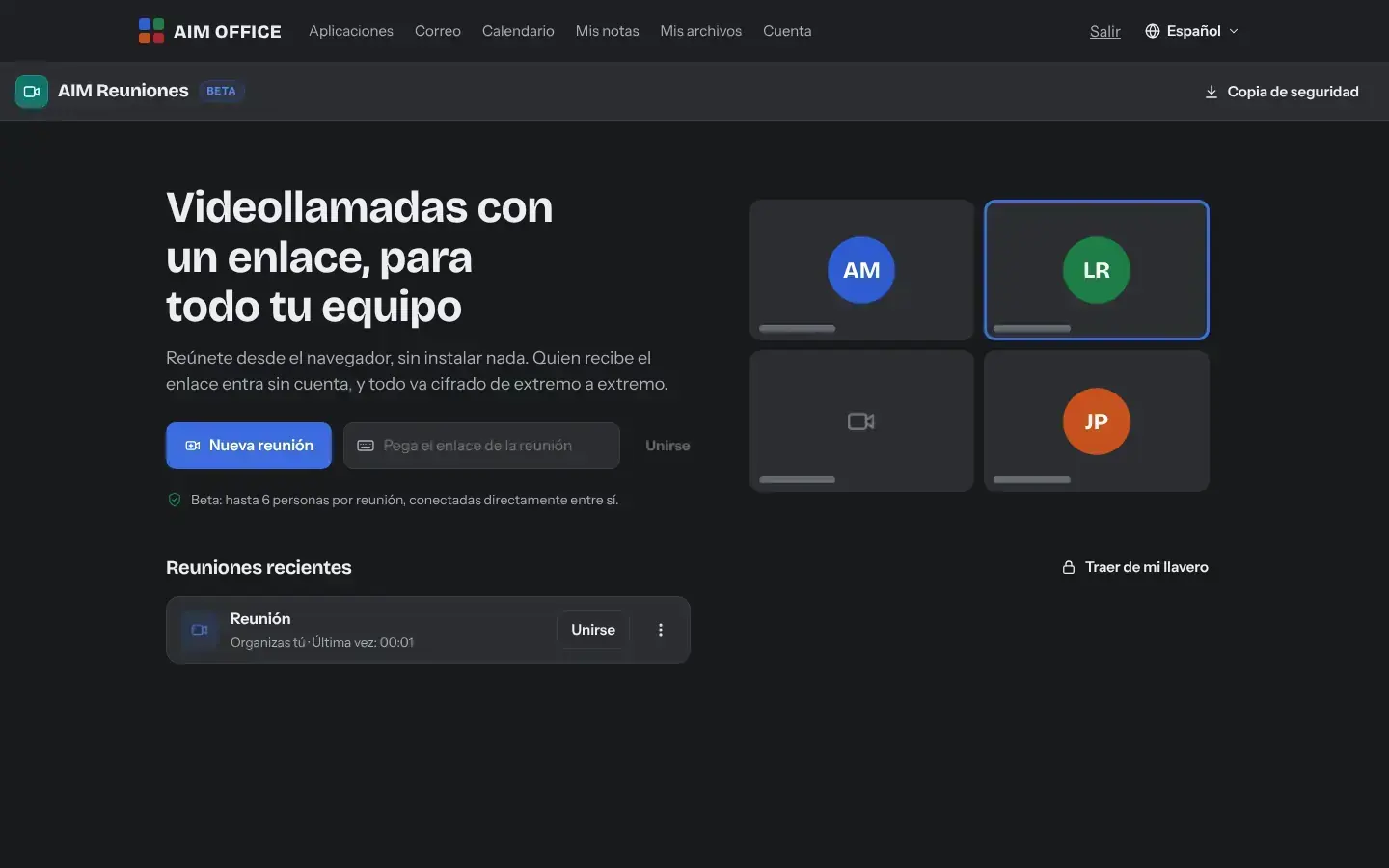
Create the meeting and share its link. Keep it to use again later: the organiser reopens it whenever they want.
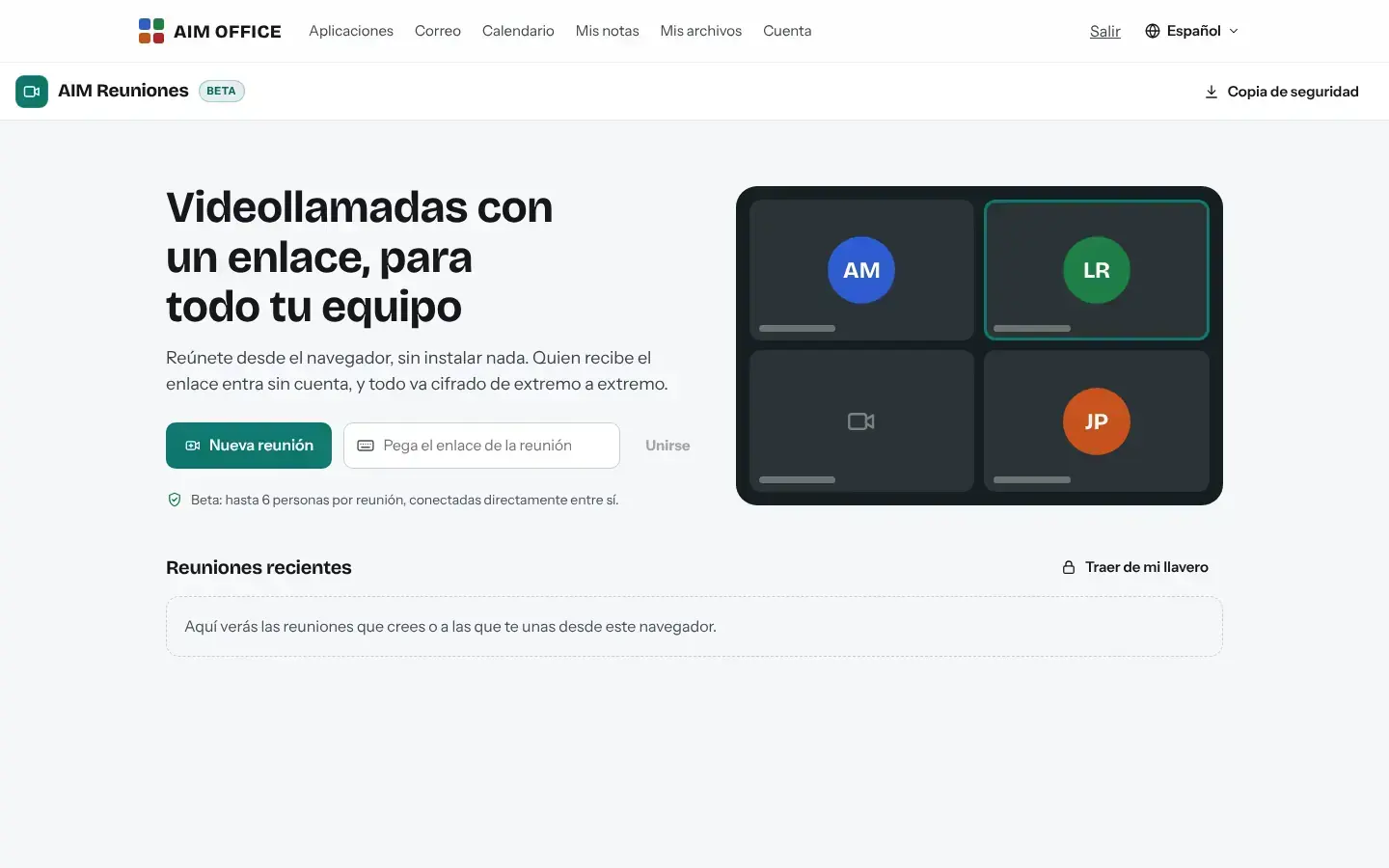
AIM MeetingsBeta
Create the meeting, share the link and talk. Camera, microphone, screen sharing and chat, with audio and video end-to-end encrypted between devices.
What usually happens, and how AIM Meetings solves it.
Before every meeting, someone wastes ten minutes installing a program.
AIM Meetings works in the browser: you join with the link, with nothing to install.
You start talking and nobody hears you because your mic was muted.
Before joining you check your camera and mic, and if you talk while muted, AIM Meetings tells you.
You don't know who else might be listening to a call with internal data.
Audio and video are end-to-end encrypted between devices.
Getting started is this simple. And this is what you'll see: screenshots of the real app.
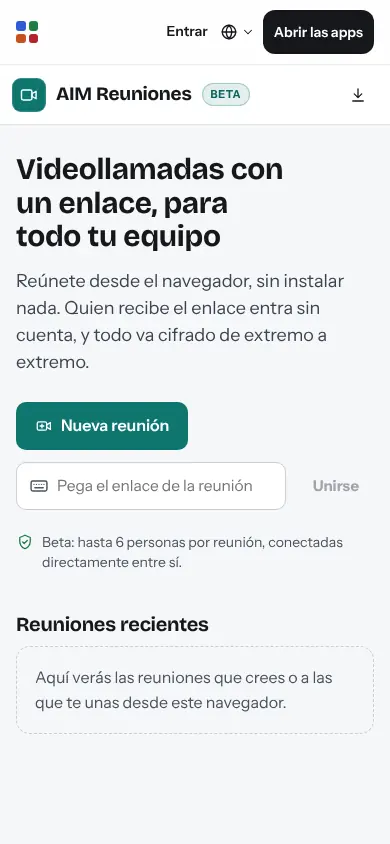
Click “New meeting” (with your free AIM account) and copy the link, or send it straight through AIM Mail or to the calendar.
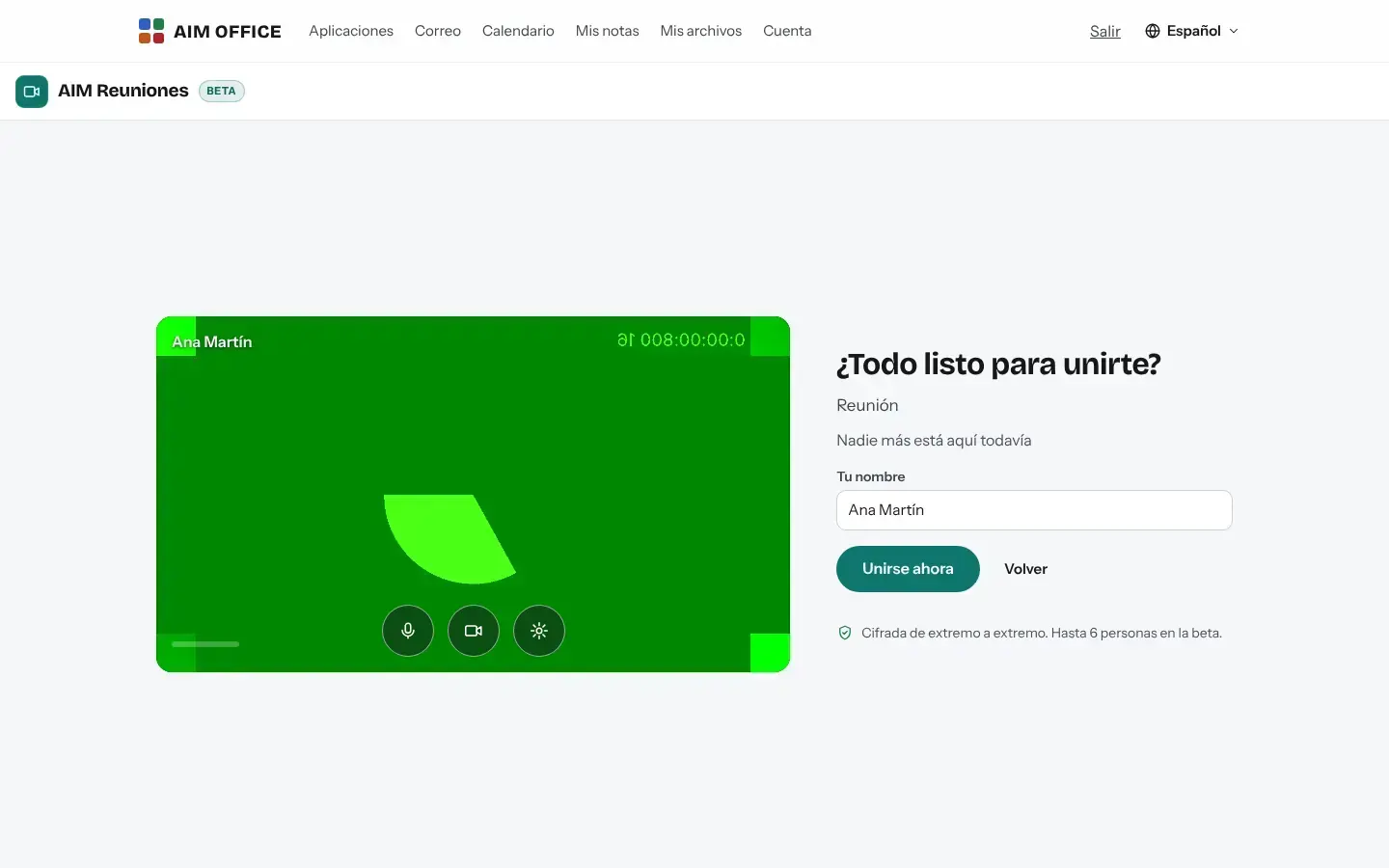
Guests open the link, test their camera and microphone in the waiting room, type their name and join. No account and nothing to install.
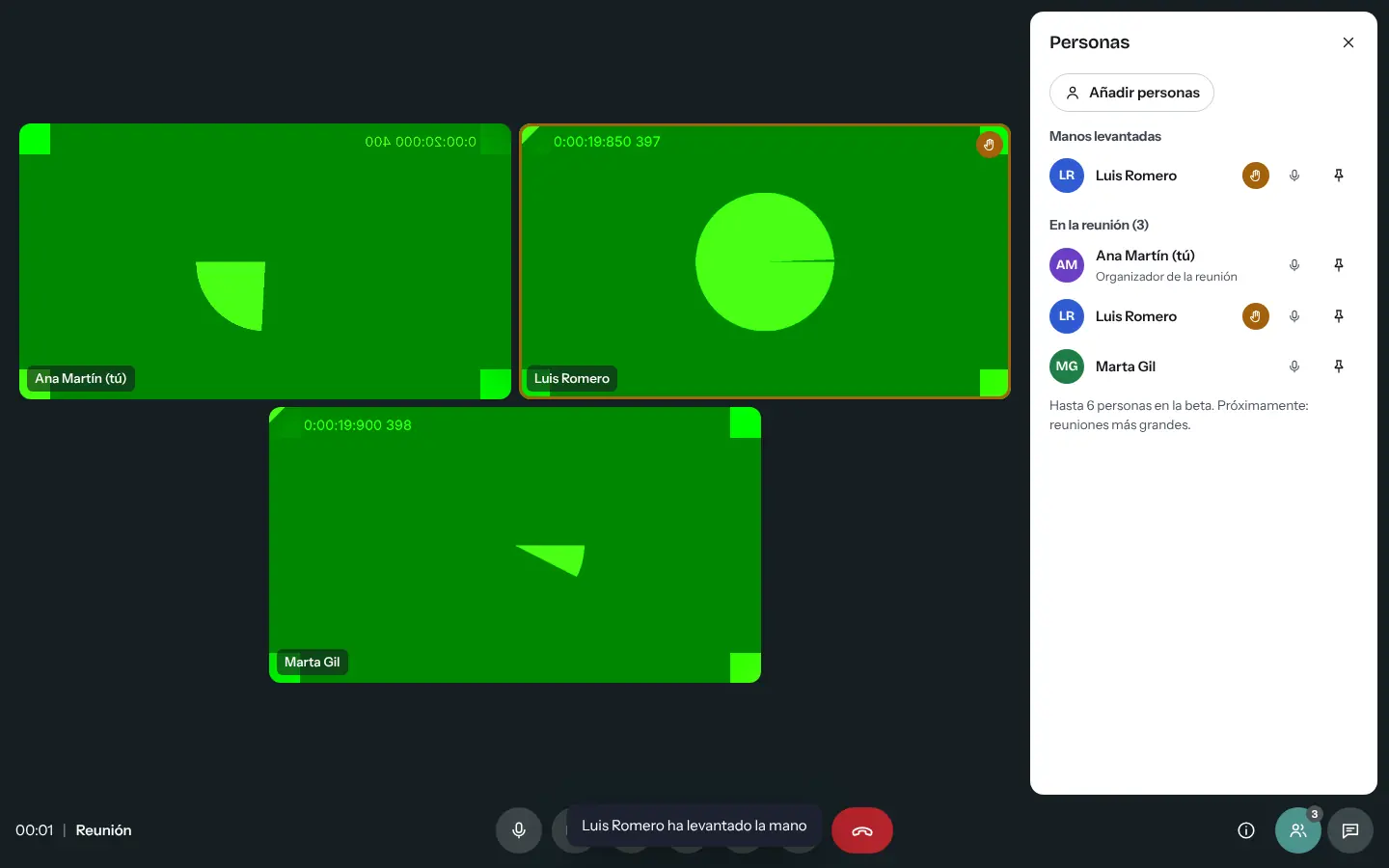
Share your screen to present, raise your hand to ask for the floor and use the meeting chat for links and notes.
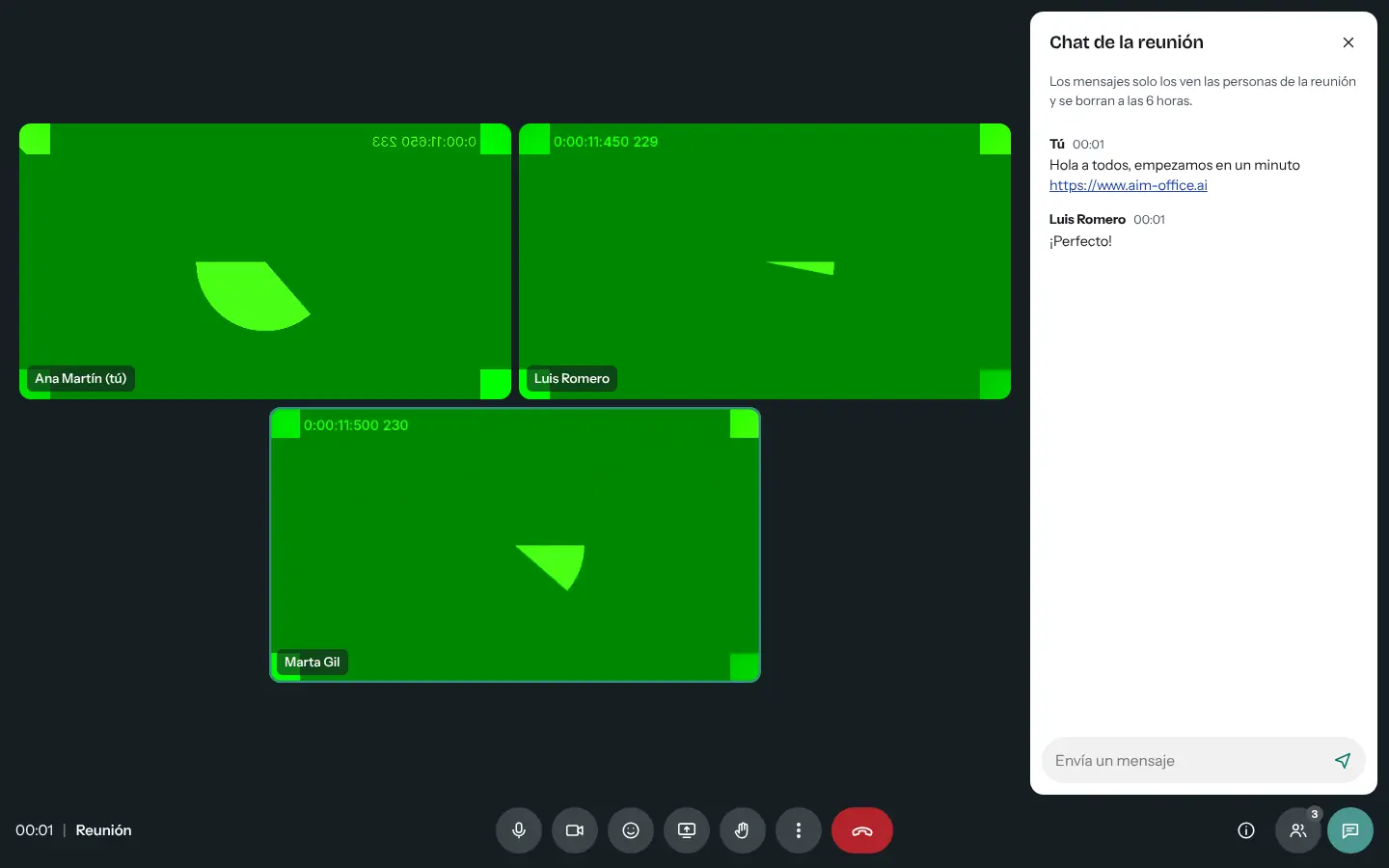
Everything AIM Meetings does today, told by what it solves for you.
Create the meeting and share its link. Keep it to use again later: the organiser reopens it whenever they want.
Before joining you see yourself, choose your camera and microphone and check that you can be heard. You can see who's already in.
The participant list, who has their mic on, raised hands in order and quick reactions without interrupting.
Messages for everyone while you talk, encrypted with the link key. They're deleted after six hours.
Show a window, a tab or the whole screen. The presentation takes centre stage and the cameras line up beside it.
If you speak with your microphone muted, AIM Meetings tells you so you don't have to repeat yourself.
Videos are arranged as large as possible depending on how many people there are, on a computer and on a phone.
Download the .ics invitation with the link to add it to AIM Calendar or send it to participants.
SMEs, freelancers and firms that already work this way.
Going through the accounts with a client by sharing your screen, without asking them to install anything or create an account.
A video consultation with a link the patient opens on their phone, with audio and video encrypted between the two devices.
Tutoring in small groups: the teacher shares the screen and students raise their hand to ask questions.
The Monday meeting with the same link as always, saved in the calendar.
Each app does its own job and hands the work on to the next.
Add the meeting to AIM Calendar with its .ics invitation, link included.
Send the meeting link through AIM Mail from within the meeting.
From AIM Chat, “Call” opens a meeting so you can talk face to face.
After the meeting, collect the resolutions and tasks in AIM Minutes.
What stays on your device, what travels encrypted and what we store. No small print.
Audio and video travel directly between devices, encrypted. The chat and connection messages are encrypted with the link's key: AIM can't read them.
The encrypted messages of each meeting, which are deleted after six hours. To find each other, browsers consult an address discovery server that sees the IP address, not the audio or video. If a direct connection is not possible, the audio and video pass, encrypted, through a Cloudflare relay server, which cannot see them either.
Only the organiser, to keep their links and keys. Guests join with the link.
Biomag S.L.U., a Spanish company. Hosted in Amsterdam (EU), with no advertising and no trackers. Read the privacy policy
Start free, no card. Pro only if you need it.
€0Forever. No sign-up, no card.
From €1.99€1.99 a month with annual billing, or €2.49 a month paying every 6 months. VAT included, no commitment.
Up to 6 per meeting.
No. They open the link in the browser on their computer or phone, allow camera and microphone, and join.
Yes, in browsers that allow it. “Record on this device” records what you see and hear, tells everyone that you are recording and saves the file on your device when you stop. Ask the attendees for permission first.
Audio and video go directly between devices whenever possible. On very restrictive networks (some companies or hotels), they go through a relay server, still end-to-end encrypted: no one else can see or hear them.
No: AIM Meetings doesn’t blur the background or add live captions.
It's free. Each meeting is a shared link and counts towards your links: up to 50 with the Free plan and 500 with Pro.
No sign-up, no card and nothing to install. It opens in your browser in a second.