Reads any PDF
All versions, including damaged files (it repairs them) and password-protected ones. Continuous view, two-page view, full screen and reading mode, with sharp zoom.
AIM PDF
Read, organise, merge, fill in, comment on, sign and protect your PDFs on your device. With Pro, also text recognition, certificate signing, redaction and comparison.
What usually happens, and how AIM PDF solves it.
To fill in and sign a PDF, you print it, sign it and scan it.
AIM PDF fills it in and signs it on screen, and you save it ready to send.
You upload contracts and payslips to unknown websites just to merge or compress them.
AIM PDF merges, organises and compresses on your computer: the file never leaves your browser.
You cover data with a black rectangle, but the text is still underneath.
With Pro, Redact truly removes the marked text and images, and Remove Hidden Information cleans up what you can't see.
Getting started is this simple. And this is what you'll see: screenshots of the real app.
Drag it into the window. It also opens images and text files, and creates a PDF from them.
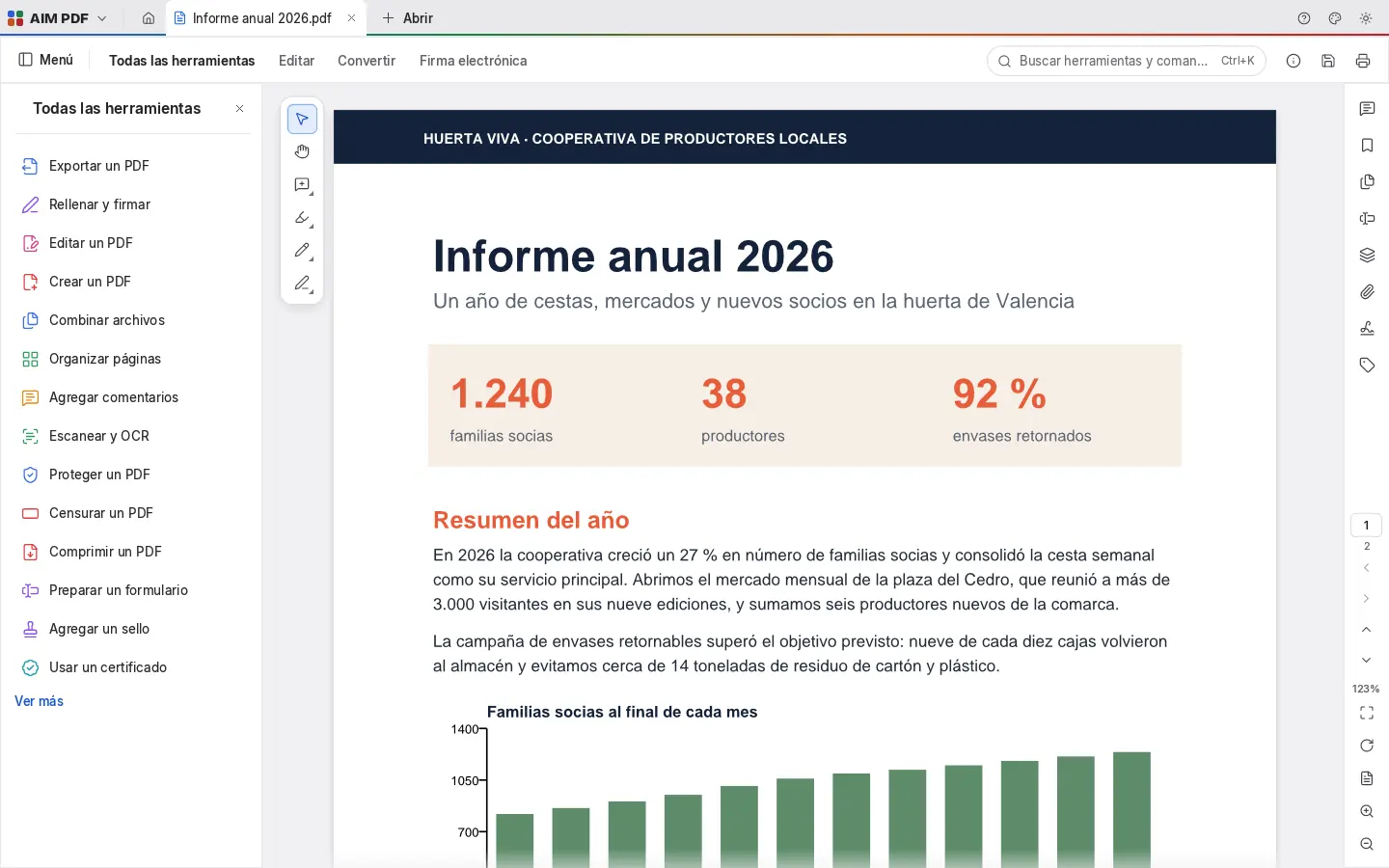
All the tools in one panel: organise, combine, fill in and sign, comment, protect, compress and more. Or search for them with Ctrl+K.
Saving adds your changes to the file without touching what was there. Export to DOCX, images or text when you need to.
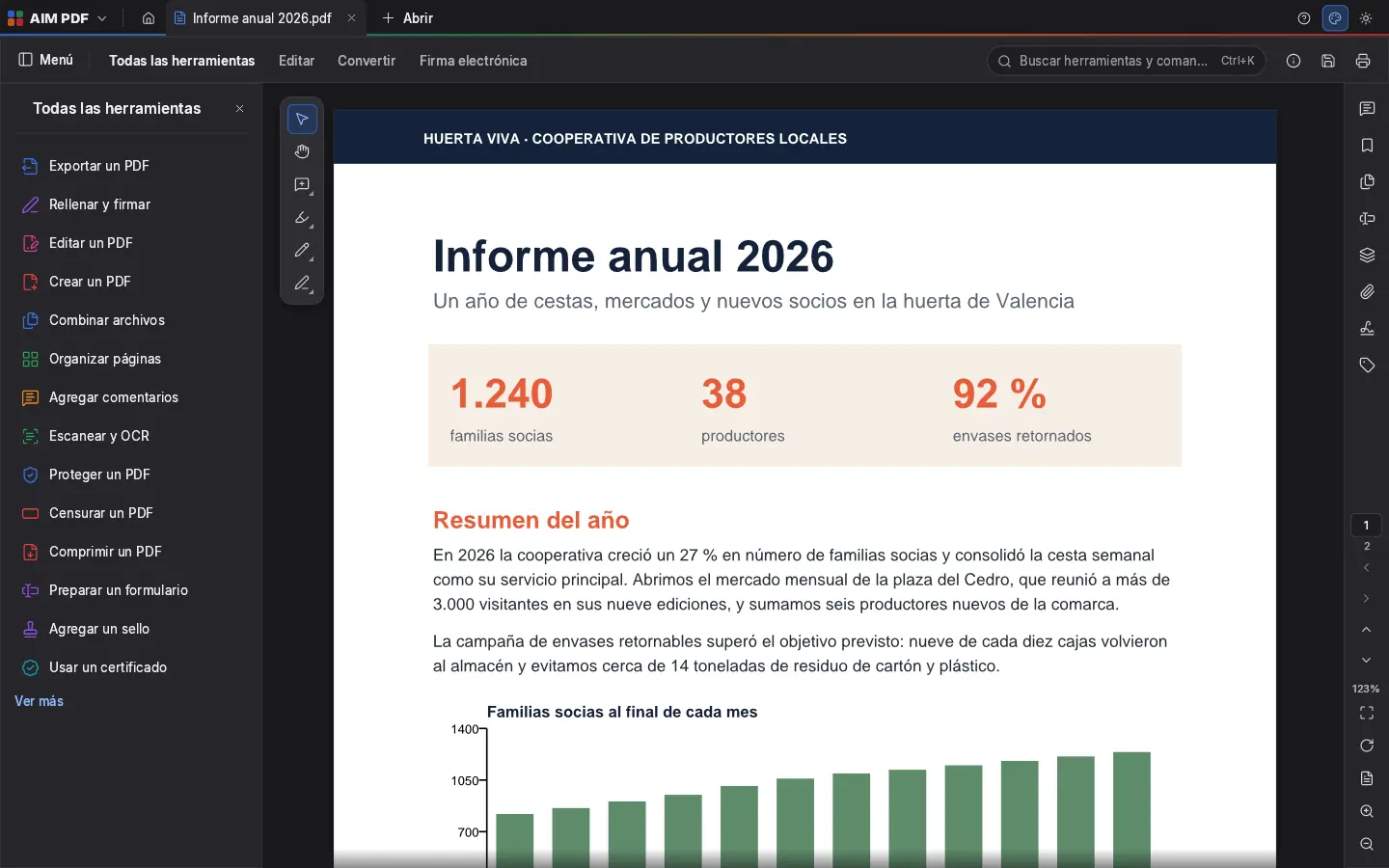
Everything AIM PDF does today, told by what it solves for you.
All versions, including damaged files (it repairs them) and password-protected ones. Continuous view, two-page view, full screen and reading mode, with sharp zoom.
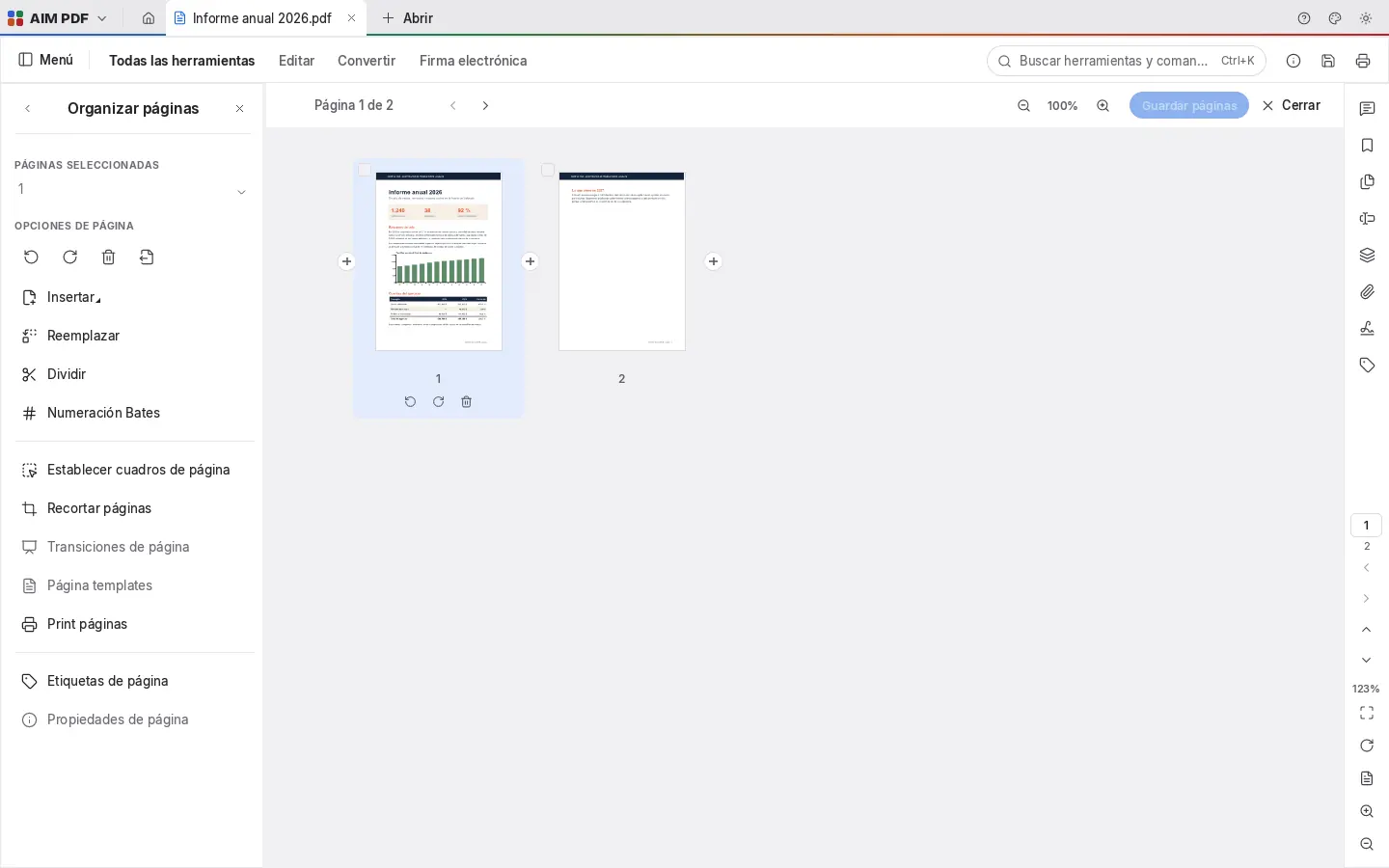
Move, rotate, delete, insert, extract and split pages in a thumbnail view. Combine several PDFs into one without losing anything.
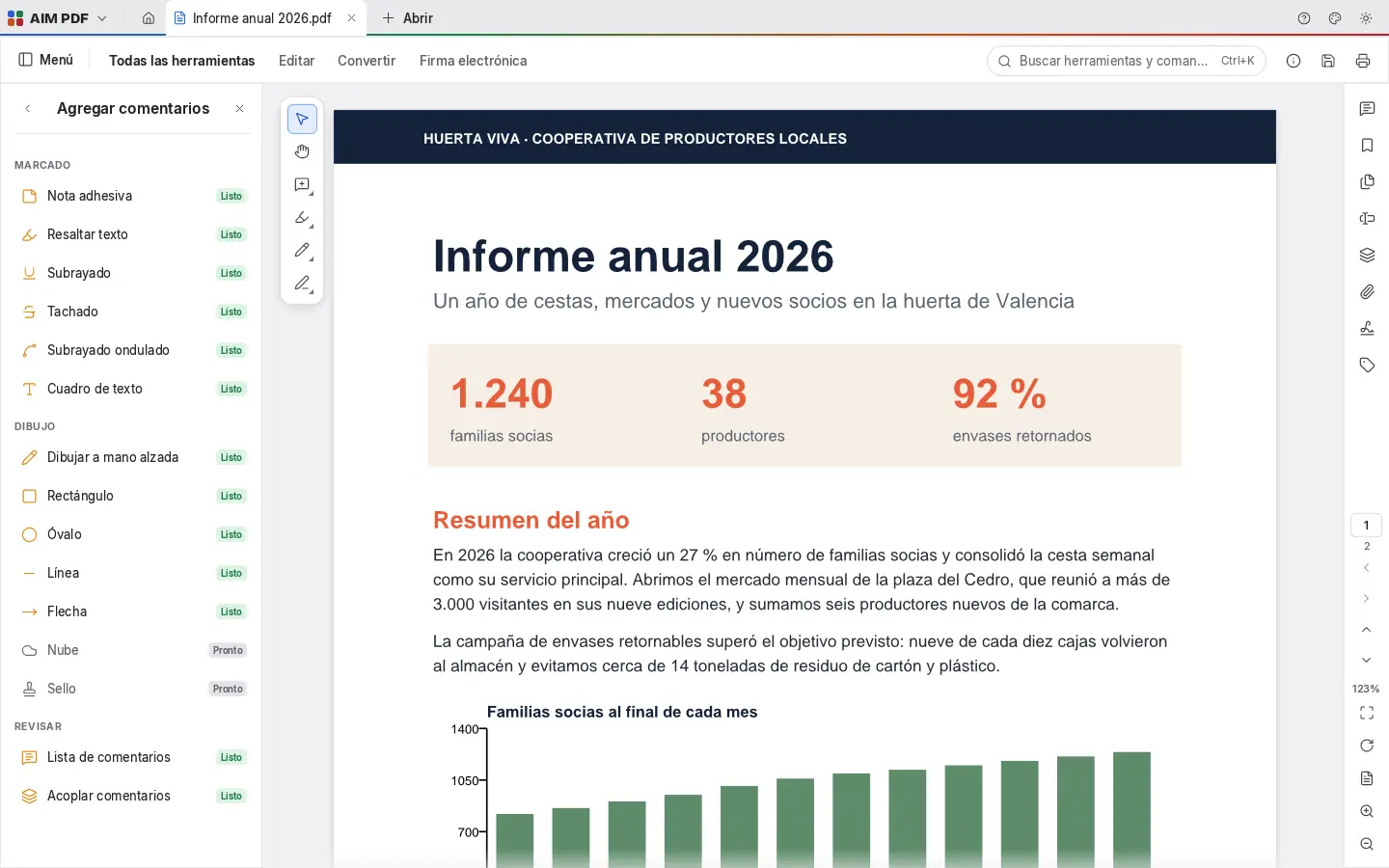
Highlight, underline and strike through text, add notes and freehand drawings, rectangles, arrows and lines, and review all the comments in a list.
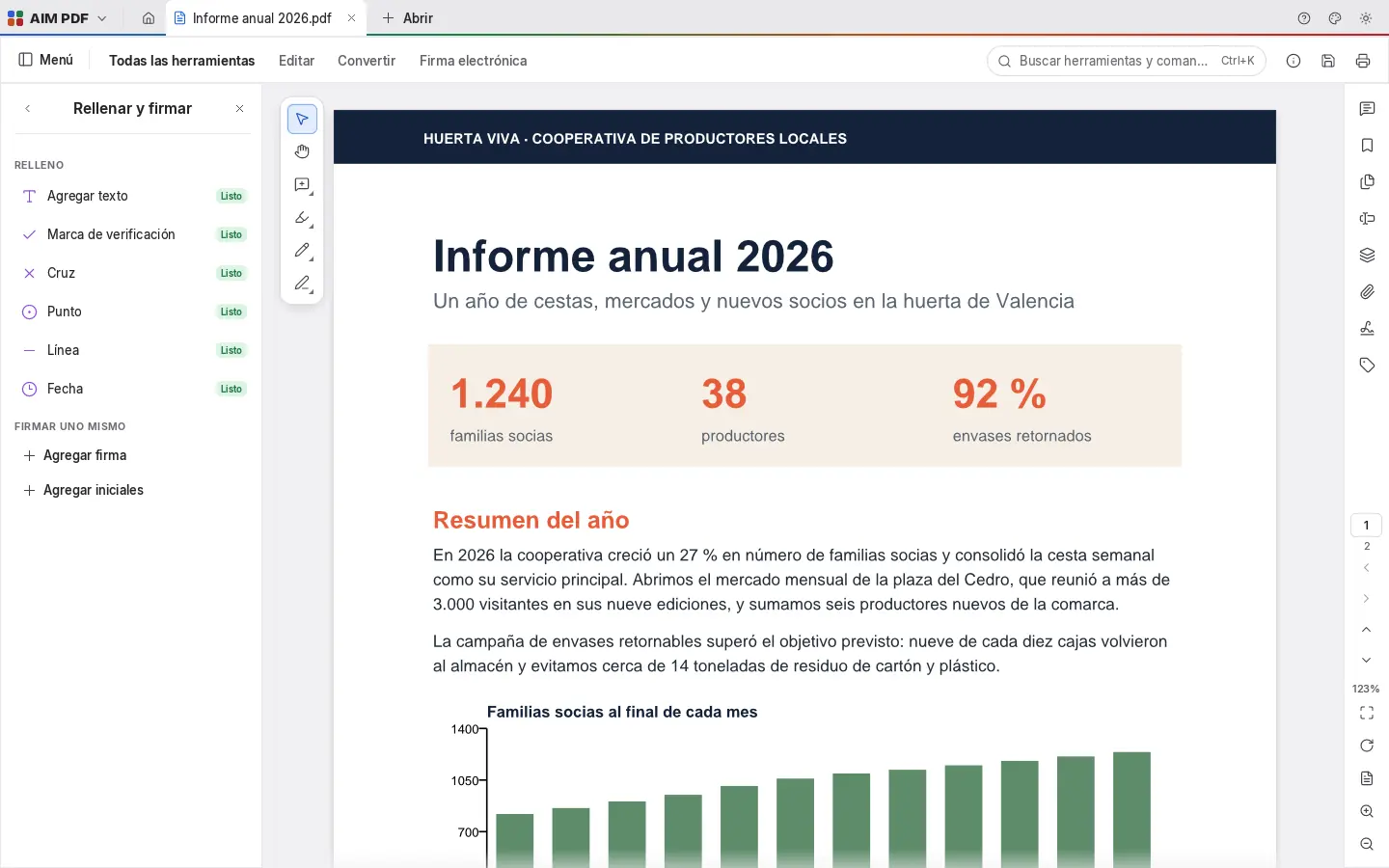
Fill in forms, add text, check marks and dates, and add your signature or initials, drawn or as an image.
Protect your PDFs with a password and shrink them to send by email.
Export text and tables to DOCX to keep editing, each page as an image, the text as TXT, or comments and form data as XFDF. Create PDFs from images.
Text recognition (OCR) so scans can be searched and copied, digital certificate signing, redaction that truly removes what's blacked out, and document comparison.
Every save adds your changes and leaves the file's original content untouched.
SMEs, freelancers and firms that already work this way.
Combining a client's documentation into one PDF, reordering its pages and compressing it to send.
Reviewing a document with comments and highlights, and signing it with a digital certificate with Pro.
Filling in and signing government and bank forms without printing them.
Handing out notes as PDFs and marking what matters with highlights and comments.
Each app does its own job and hands the work on to the next.
To request signatures from other people with a link and an evidence certificate, AIM Sign.
From paper to PDF with your phone, with AIM Scan.
Compare two versions of a PDF with AIM Compare, visually too.
For batches of documents and tenders, AIM PAPYR.
What stays on your device, what travels encrypted and what we store. No small print.
They open, are edited and are saved in your browser. Our servers never see or store them.
Once installed, AIM PDF works with your files even without internet.
With Pro you can store your files in AIM Cloud, on our server in Amsterdam (EU), and open them from any computer. Only the files you store in a vault are end-to-end encrypted.
Biomag S.L.U., a Spanish company. Hosted in Amsterdam (EU), with no advertising and no trackers. Read the privacy policy
Start free, no card. Pro only if you need it.
€0Forever. No sign-up, no card.
From €1.99€1.99 a month with annual billing, or €2.49 a month paying every 6 months. VAT included, no commitment.
No. AIM PDF works in your browser. Only if you have Pro and choose to save to AIM Cloud is the file stored on our Amsterdam (EU) server.
You can add text, comments, signatures and form data. To rewrite the content, export to DOCX, edit it in AIM Docs and export back to PDF.
Text recognition (OCR), digital certificate signing, redaction and document comparison.
Yes, if you know the password. It also respects the document's restrictions.
Yes: open a PNG, JPEG, TIFF, GIF, BMP or JPEG 2000 image and a PDF is created from it.
No sign-up, no card and nothing to install. It opens in your browser in a second.