All your calendars, in one
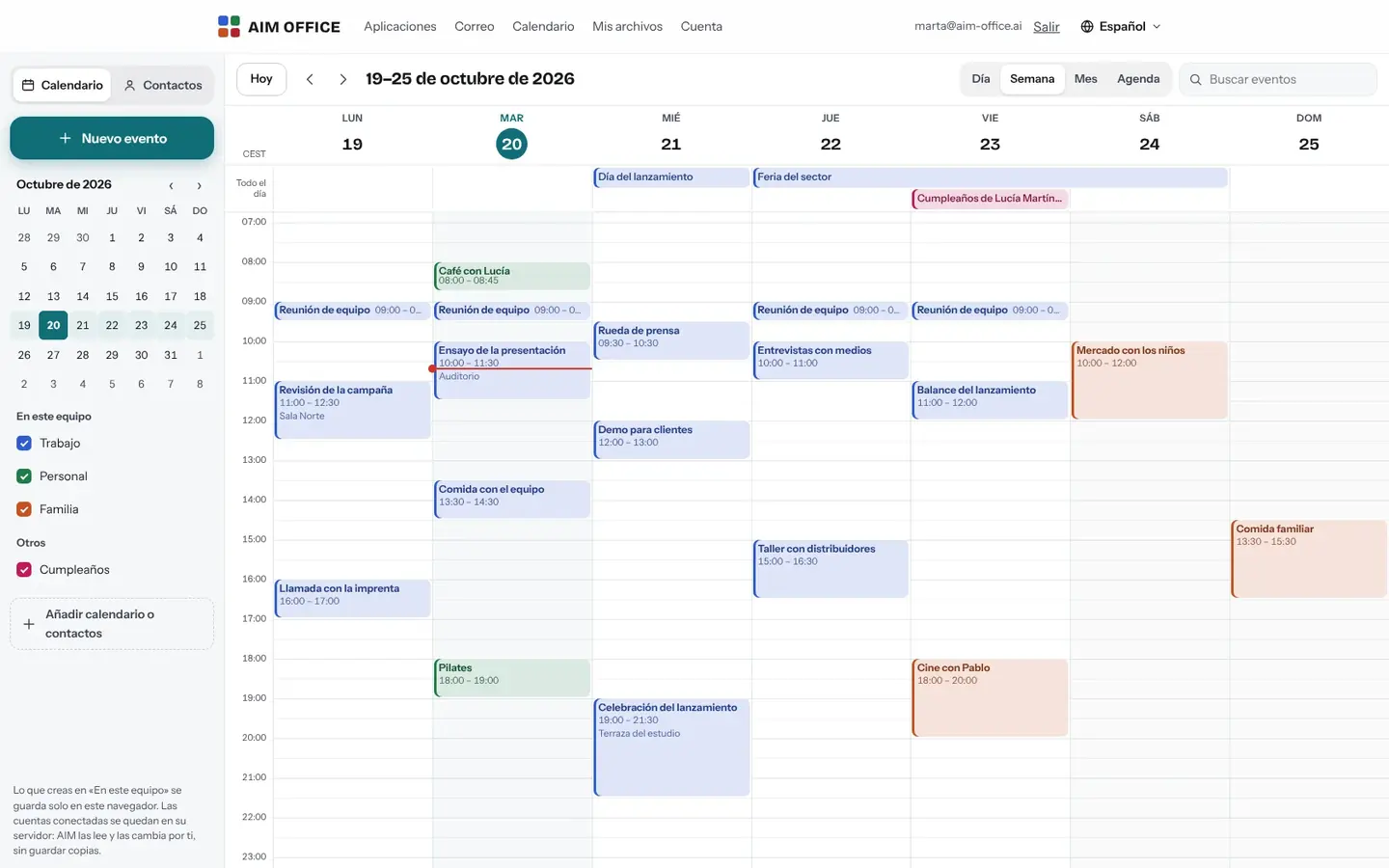
The calendars on this device and those of your connected accounts, together, each in its own colour. Day, week, month and agenda views, with keyboard shortcuts.
AIM Calendar
Calendars and contacts that work without signing up in your browser, or those from your connected calendar accounts, all together. With recurring events, time zones and invitations from AIM Mail.
What usually happens, and how AIM Calendar solves it.
Your work and personal calendars live in different places and appointments overlap.
AIM Calendar brings them together in a single calendar, each with its own colour.
Invitations arrive by email and you end up copying them by hand.
The ones that reach AIM Mail are accepted with one click and go straight to your calendar.
Meetings with people in another country and always the doubt about what time it is.
Each event carries its time zone, and you see it in your own time.
Getting started is this simple. And this is what you'll see: screenshots of the real app.
Open AIM Calendar and create events and contacts: they are stored in your browser, no account needed.
With your free account, add your calendar and contact accounts (CalDAV and CardDAV) or subscribe to a calendar by its address.
Day, week, month or agenda, with each calendar in its own colour. Show or hide whichever you want.
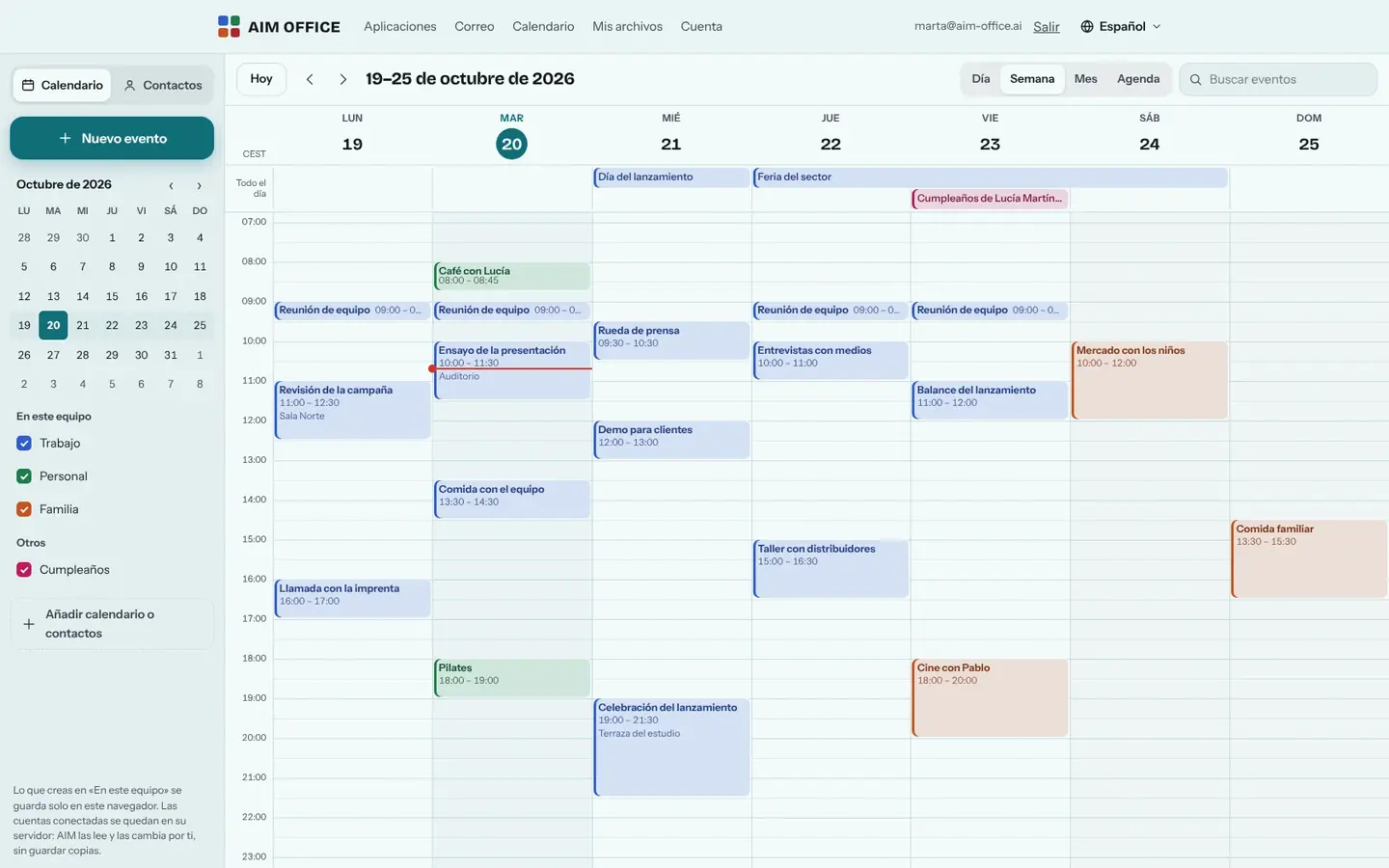
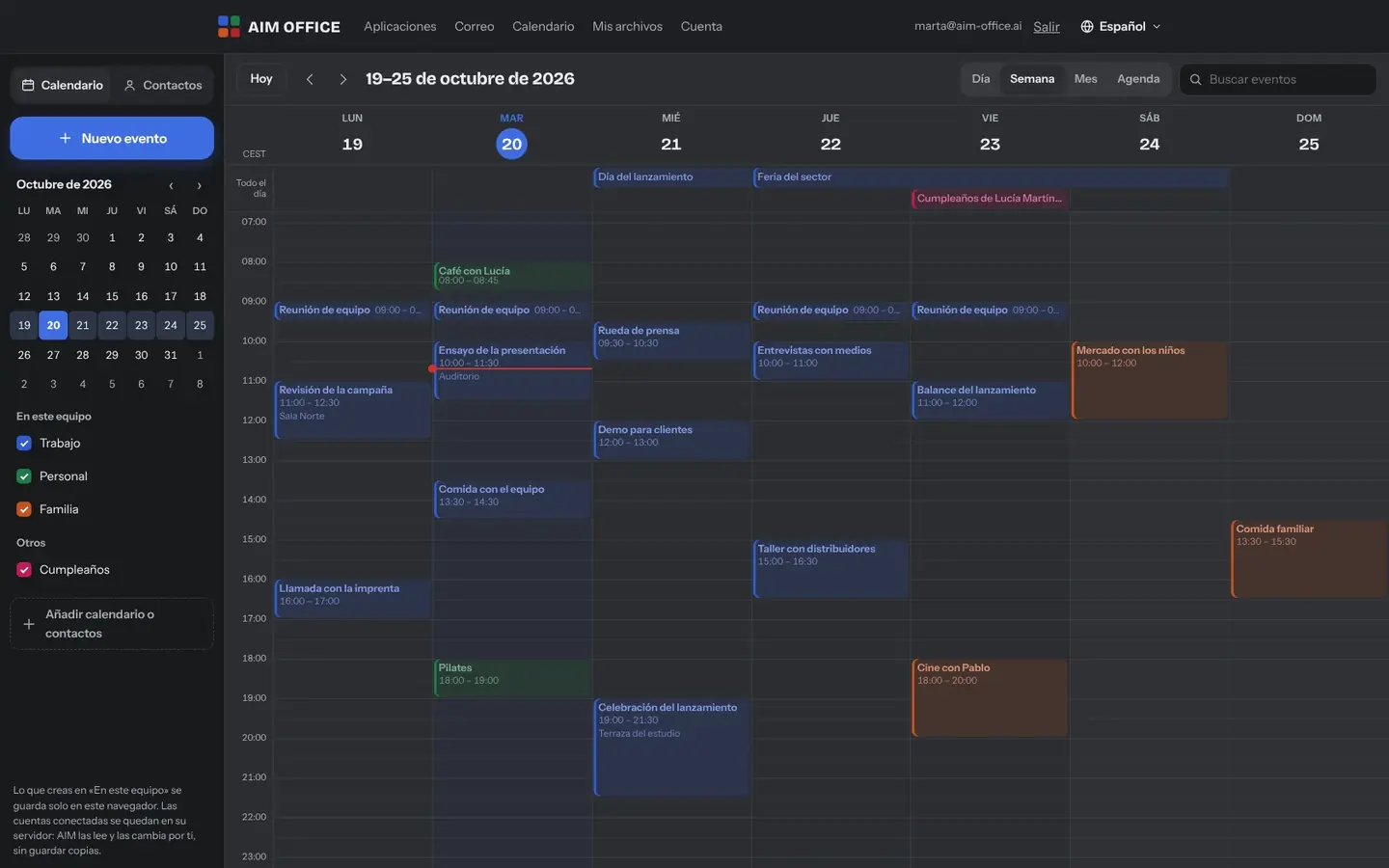
Everything AIM Calendar does today, told by what it solves for you.
The calendars on this device and those of your connected accounts, together, each in its own colour. Day, week, month and agenda views, with keyboard shortcuts.
Daily, weekly, monthly, yearly or custom, until a date or a number of times. Change just one, this and the following ones, or the whole series.
Name, company, job title, phone numbers, emails, addresses, birthdays and notes, in address books. Search by name, email, phone or company.
Bring your events in .ics and your contacts in .vcf by dragging them into the window.
Public holidays, a team's calendars or your other calendar: paste the address and they update themselves.
Each event with its time zone, for meetings with people in other countries.
Invitations you receive in AIM Mail are accepted with one click and the reply goes out from your email account.
SMEs, freelancers and firms that already work this way.
Work and personal calendars together, each in its own colour, on your device with no sign-up.
Appointments from AIM Bookings, imported into your calendar, next to the rest of your week.
The calendars on the company server, connected over CalDAV, plus public holidays by subscription.
Regular suppliers and customers in an address book, with their phone numbers to hand.
Each app does its own job and hands the work on to the next.
Invitations arriving in AIM Mail are answered with one click and go into your calendar.
Download your bookings from AIM Bookings as .ics and import them here.
Add an AIM Meetings video call with its .ics invitation, link included.
Export dated tasks from AIM Tasks and see them alongside your events.
What stays on your device, what travels encrypted and what we store. No small print.
What you create “On this device” is stored only in your browser: it isn't sent to our servers and we have no access to it. If you clear your browser data, it's deleted with it.
For each account we store the address, username, servers and encrypted password, plus the name and colour of each calendar. We don't store your events or contacts: we read and change them at your provider when you ask.
Each subscription's address is stored encrypted. Its content is kept in memory for five minutes at most, never on disk.
Biomag S.L.U., a Spanish company. Hosted in Amsterdam (EU), with no advertising and no trackers. Read the privacy policy
Start free, no card. Pro only if you need it.
€0Forever. No sign-up, no card.
From €1.99€1.99 a month with annual billing, or €2.49 a month paying every 6 months. VAT included, no commitment.
Not to use it on your device. To connect calendar accounts or subscribe to calendars by their address, yes: your free AIM account.
Any calendar and contacts server that supports CalDAV and CardDAV: your company's, and those of providers that offer it. Some ask for an app password.
With the Free plan, up to 3 accounts and 10 subscriptions; with Pro, up to 50 of each.
Yes: subscribe by pasting its address. It updates by itself and shows alongside your own.
What you had “On this device” is deleted. Download copies now and then: we can't recover it. What's in your connected accounts stays with your provider.
No sign-up, no card and nothing to install. It opens in your browser in a second.